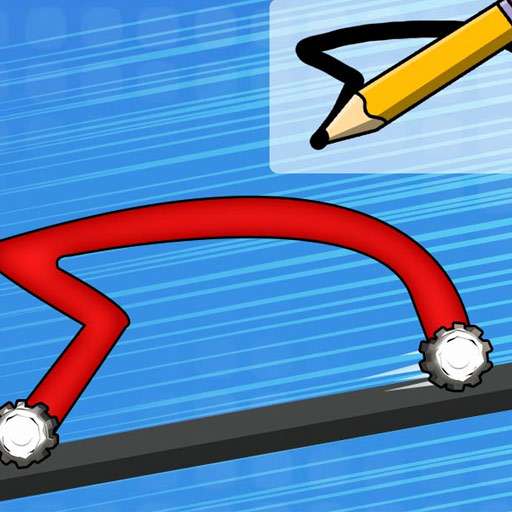


















Game Introduction
Unleash your inner designer in Draw Car 3D—no rules, just creativity and speed! Grab the sketch pad, doodle, curve, or craft your perfect ride from scratch—whether it’s a sleek speedster, a rugged off-roader, or something totally one-of-a-kind. Once your design is done, hit the track and put it to the test: navigate twists, jumps, and tricky obstacles to outpace the competition. The smarter your design, the smoother your drive—and the faster you’ll unlock new tracks, challenges, and customization perks. Ready to draw, race, and dominate with a car that’s 100% yours?
Game Features
1. Boundless Vehicle Creation, Turn Ideas Into Reality
No preset car model restrictions—enjoy a fully open drawing pad to create vehicles of any shape, from irregular designs to minimalist styles.
Adjust brush thickness and colors freely. No professional design skills required—sketch casually to craft a car with your unique visual style.
2. Physics-Engine Driven, Design Shapes Performance
Realistically simulates physics like gravity, load-bearing, and air resistance. Wheel count, body aerodynamics, and center of gravity directly affect speed and pass rate.
Strong connection between design and actual combat: "Good-looking doesn’t always mean easy to drive". Balance creativity and practicality for a brain-teasing, addictive experience.
3. Diverse Tracks + Progressive Levels, Challenges Escalate
Tracks cover multiple terrains including cities, mountains, deserts, and snowfields, paired with random obstacles like ramps, traps, and narrow bridges for constant freshness.
Difficulty increases gradually—from basic navigation to extreme racing. Optimize your car design to clear each level efficiently.
4. Low Entry Barrier, High Skill Ceiling For All Players
Single-finger control for both drawing and driving. Intuitive interface allows quick starts during fragmented time, perfect for casual relaxation.
Dual paths for creativity and skill: Enjoy casual doodling to unwind, or dive deep into optimizing structural designs to challenge clearance efficiency limits.
5. 3D Hand-Drawn Aesthetics + Immersive Sound, Healing Experience
Fresh and cute 3D hand-drawn visuals with childlike charm, featuring visible brush strokes and color combinations for stress-free viewing.
Immersive sound effects including brush friction, engine roars, and paint splatters. Enhance engagement during both drawing and driving phases.
Gameplay and Controls
1. Tap to start, then draw your car (including body, wheels and other key structures) with your finger on the designated sketch pad.
2. After drawing, the car automatically enters the track—no extra direction control needed.
3. Let your design adapt to the terrain, navigate obstacles and ramps, and reach the finish line to clear the level.
4. Adjust brush thickness and color, optimize your design, and retry for higher efficiency.
Game Guide
The core fun of "Draw Car 3D" lies in balancing creativity and practicality. Clearing levels doesn’t depend on complex doodles, but on designing vehicles that adapt to physical rules and track requirements. Master the following tips to unlock levels quickly while enjoying the joy of creation.
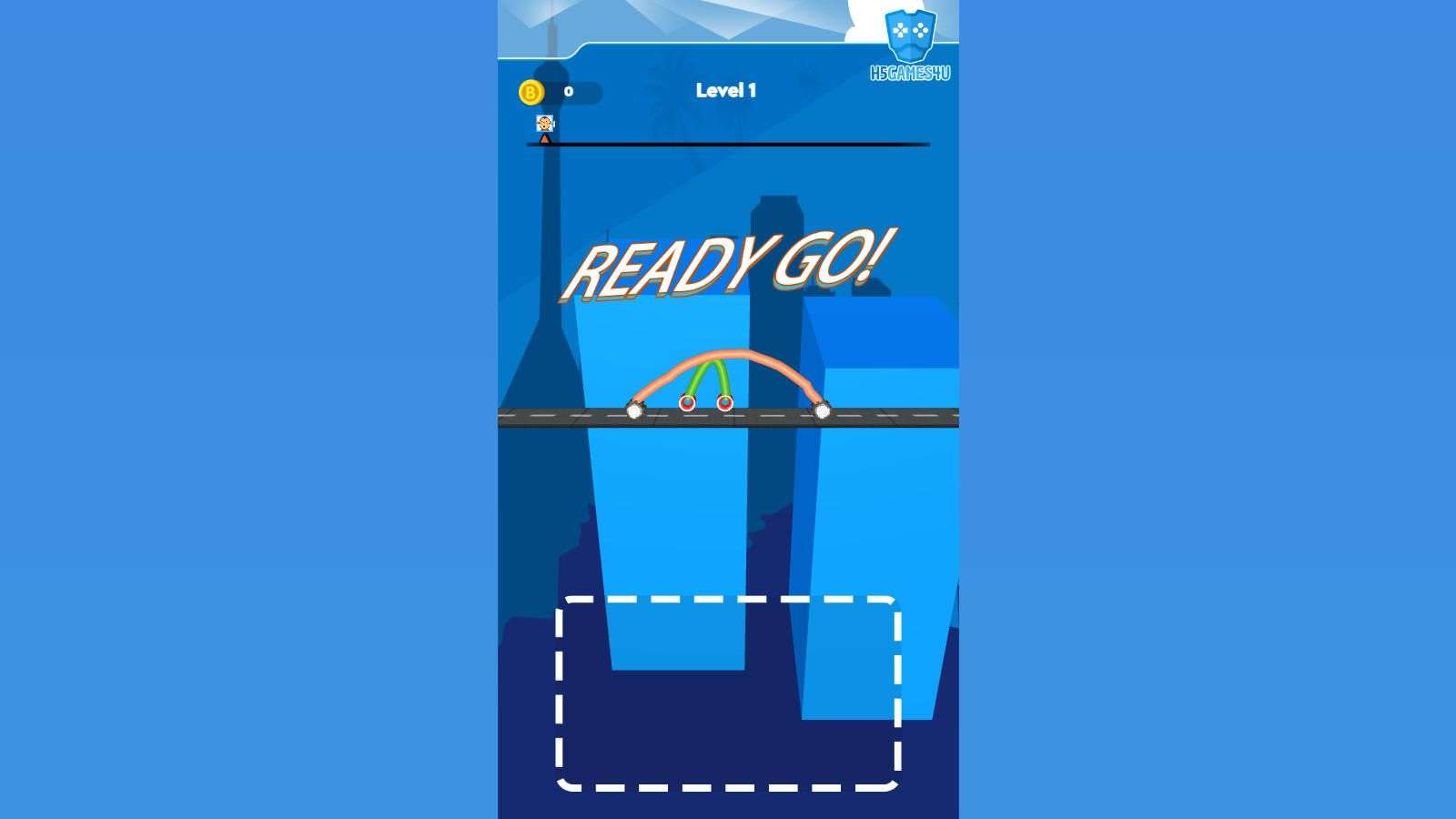
First, lay a solid design foundation. Wheels are the core—opt for a 3-4 wheel layout, with front wheels slightly larger than rear ones. Match the wheel spacing to the body width to avoid rollover from one-sided weight. The body should follow the principle of "aerodynamics + lightweight": connect the front and rear wheels with smooth curves to reduce air resistance, and avoid overly complex shapes. Extra lines add weight and slow the car down. Controlling the center of gravity is crucial—concentrate the main body below the wheel axis to greatly improve stability, especially when tackling ramps and sharp turns.
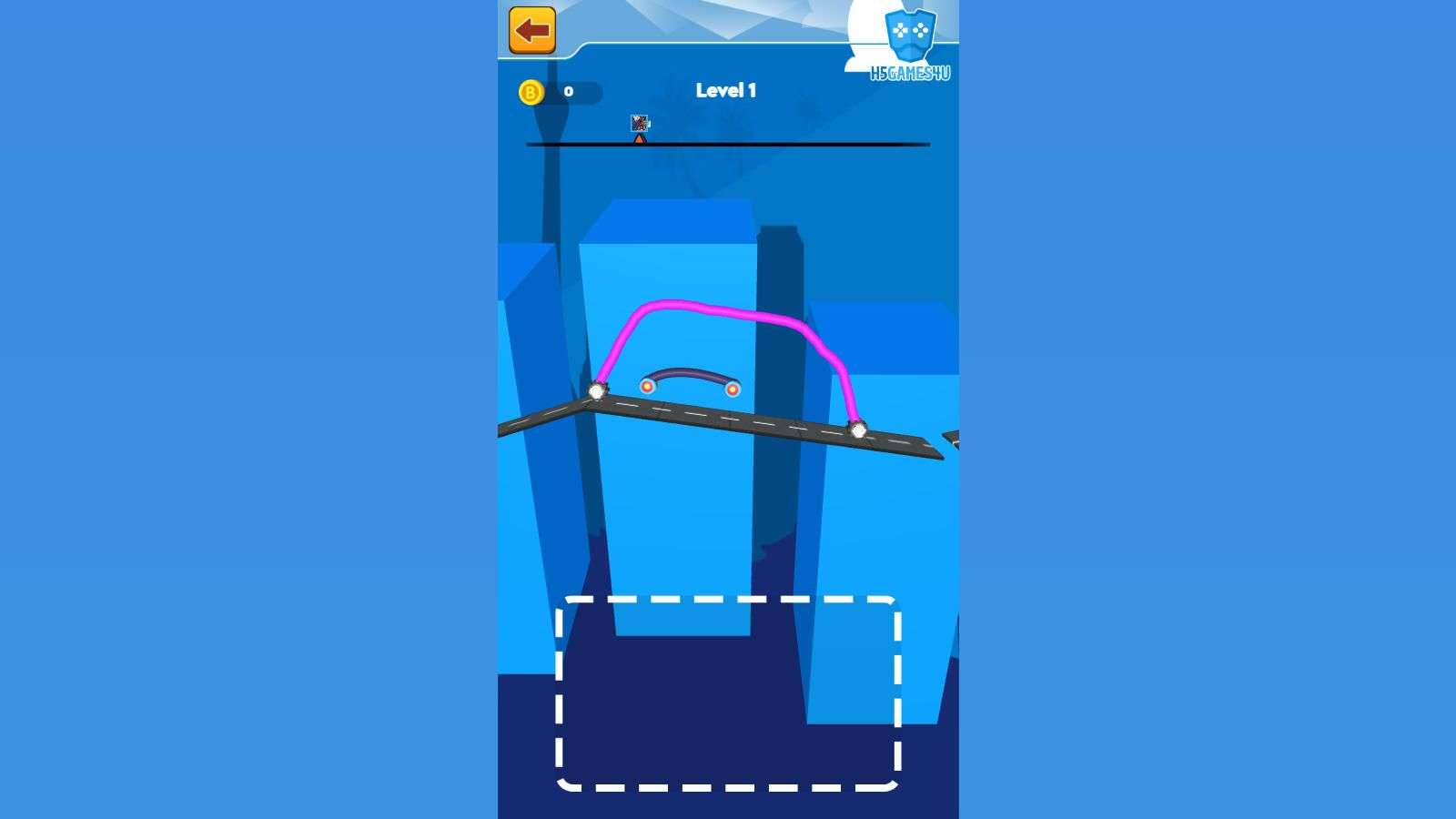
Second, adapt designs to specific tracks. For flat, curvy urban tracks, create narrow, short-wheelbase cars for flexible turning. Mountain tracks with ramps and obstacles require higher chassis and outward-extended wheels to increase ground contact and avoid bottoming out. On low-grip icy tracks, add more wheels (4-6) and widen/shorten t
he body to prevent slipping. For soft desert terrain, use larger wheels with wider spacing to enhance passability.
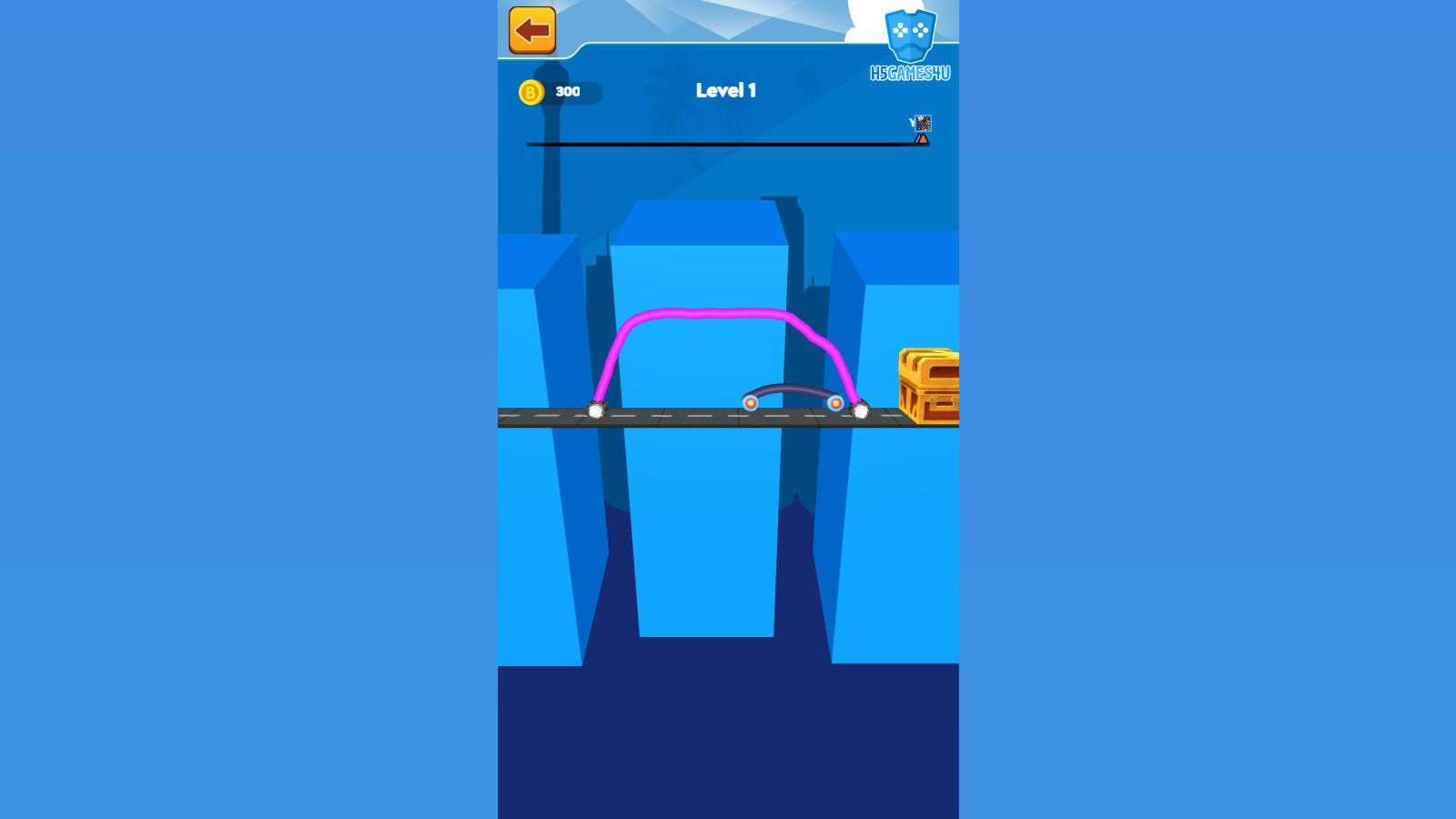
Advanced skills focus on details. Use thin lines for key structures and thick lines only to reinforce core body parts—avoid overall thickening that causes excess weight. After your first attempt, optimize based on failure points: lengthen the body for more inertia if climbing is difficult, or shrink the side contours if collision with obstacles is frequent. Use colors to distinguish structures for quick adjustments and more efficient retries.

Don’t overlook common pitfalls. Avoid prioritizing "weird shapes" over practicality—exaggerated designs often fail due to unbalanced centers of gravity or high resistance. Never use fewer than 3 wheels or uneven wheel distribution, a common rookie mistake. Skip decorative details; simplifying the structure is the key to balancing speed and stability.
In short, the game’s clearance logic is "design serves performance". Ensure basic driving ability first, then gradually add creative elements. Experiment with different layouts, summarize track adaptation rules, and conquer all levels effortlessly with your custom car.
Would you like me to refine a **concise 300-word version** of this guide for quick reference, or add a "track-specific design checklist" for key terrain types?