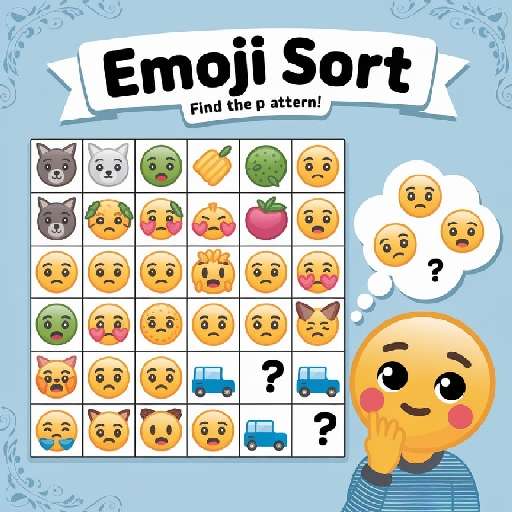


















Game Introduction
Fancy testing your observation skills and logical thinking? Give Emoji Sort, the fun pattern - recognition puzzle game, a try!
The game presents you with grids of different sizes. These grids are filled with various emojis, but some cells are left blank. These emojis are not arranged randomly; they hide specific patterns. They could be of the same category (such as all animals or all fruits), in an ordered sequence (like weather changes or number progression), or in associated combinations (such as food and tableware, or means of transportation and scenes).
Your task is to carefully analyze the existing emojis, figure out the underlying logic, then select the correct emojis to fill in the blank cells and make the pattern of the entire grid complete.
The game includes 30 levels, with difficulty increasing gradually and more varied types of patterns. When you get stuck, you can use the hint system to gain inspiration and break through the bottleneck easily. Whether you enjoy exploring logical connections from visual elements or want to exercise your brain during leisure time, this game will bring you a great sense of accomplishment!
Game Features
1. Logic-Driven Pattern Recognition Gameplay
The core revolves around "identifying patterns to fill in emojis", with a rich and clear variety of pattern types. Players need to recognize categories (e.g., animals, food), sequences (e.g., weather changes, number progression), or associative combinations (e.g., food and tableware) from the existing emojis in the grid. By using logical reasoning to complete the blanks, the gameplay offers both challenge and a sense of accomplishment.
2. Progressive Difficulty Level Design
It includes 30 levels, with difficulty increasing gradually as players progress. Early levels feature simple and easy-to-understand patterns, helping players get started quickly. Later levels not only have more complex patterns but may also expand the grid size, continuously bringing fresh challenges to players and avoiding monotonous gameplay.
3. User-Friendly Hint Support System
A built-in hint function is specifically designed for stuck situations. When players struggle to identify patterns for an extended period, they can use hints to gain key clues. This prevents frustration from difficult puzzles while preserving the core fun of independent reasoning, balancing the game’s difficulty.
4. Lightweight Experience for Multiple Scenarios
The overall gameplay is lightweight, with short single-session durations and no complex operations. Whether during fragmented time (e.g., commutes, breaks) or focused relaxation, players can start the game anytime. It not only exercises observation and logical thinking but also serves as a casual stress-relief option, fitting various life scenarios.
Gameplay and Controls
Emoji Sort features simple and intuitive operations, with the core loop of "observe patterns - select emojis - fill the grid". New players can get started quickly. The detailed process is as follows:
I. Start Preparation: Quick Entry
1. Launch & Level Selection: After opening the game, enter the level list. The first level is unlocked by default, and cleared levels can be replayed at any time. Tap the corresponding level icon to enter the puzzle interface.
2. Interface Recognition: The core area is a grid with blank cells (grid size increases with difficulty). A "candidate emoji pool" is located below or beside the grid, showing available emojis. A "hint" button is usually at the top right, and a "confirm/reset" button at the bottom right. The layout is clear and easy to recognize.
II. Core Operations: Solve in 3 Steps
The core operation is "tap", suitable for one-hand use. It can be completed in 3 steps:
1. Locate the Blank Cell: Tap the blank cell in the grid (highlighted border indicates selection).
2. Select Emoji: Observe existing emojis to infer patterns (categories, sequences, etc.), then tap the matching emoji in the candidate pool below.
3. Confirm/Modify: The selected emoji will be filled automatically. If wrong, tap the filled cell and select a new emoji to overwrite, or tap "reset" to clear.
III. Clearance & Advancement
1. Clearance Condition: After filling all blanks, tap "confirm". The system will verify the pattern. If correct, a clearance animation will play and the next level will be unlocked; incorrect cells will be marked with a red border for modification and re-verification.
2. Advanced Tips: For complex levels, first fill cells with clear patterns, then infer the overall logic through partial patterns to reduce trial and error. Example: If "apple, banana" exist, confirm the "fruit" category first before filling.
Tips: No time limit, supports pause and resume. Suitable for fragmented time.
Game Guide
As a pattern recognition game that tests observation and logical reasoning, Emoji Sort features 30 levels that seem easy at first glance, but actually involve a difficulty progression from "basic classification" to "complex association". Many players get stuck in the middle levels due to hidden patterns. However, mastering the three core skills of "category anchoring", "sequence decomposition", and "reverse verification" will allow you to clear the levels effortlessly. Below, we break down the key points of the full-process strategy with typical level examples.
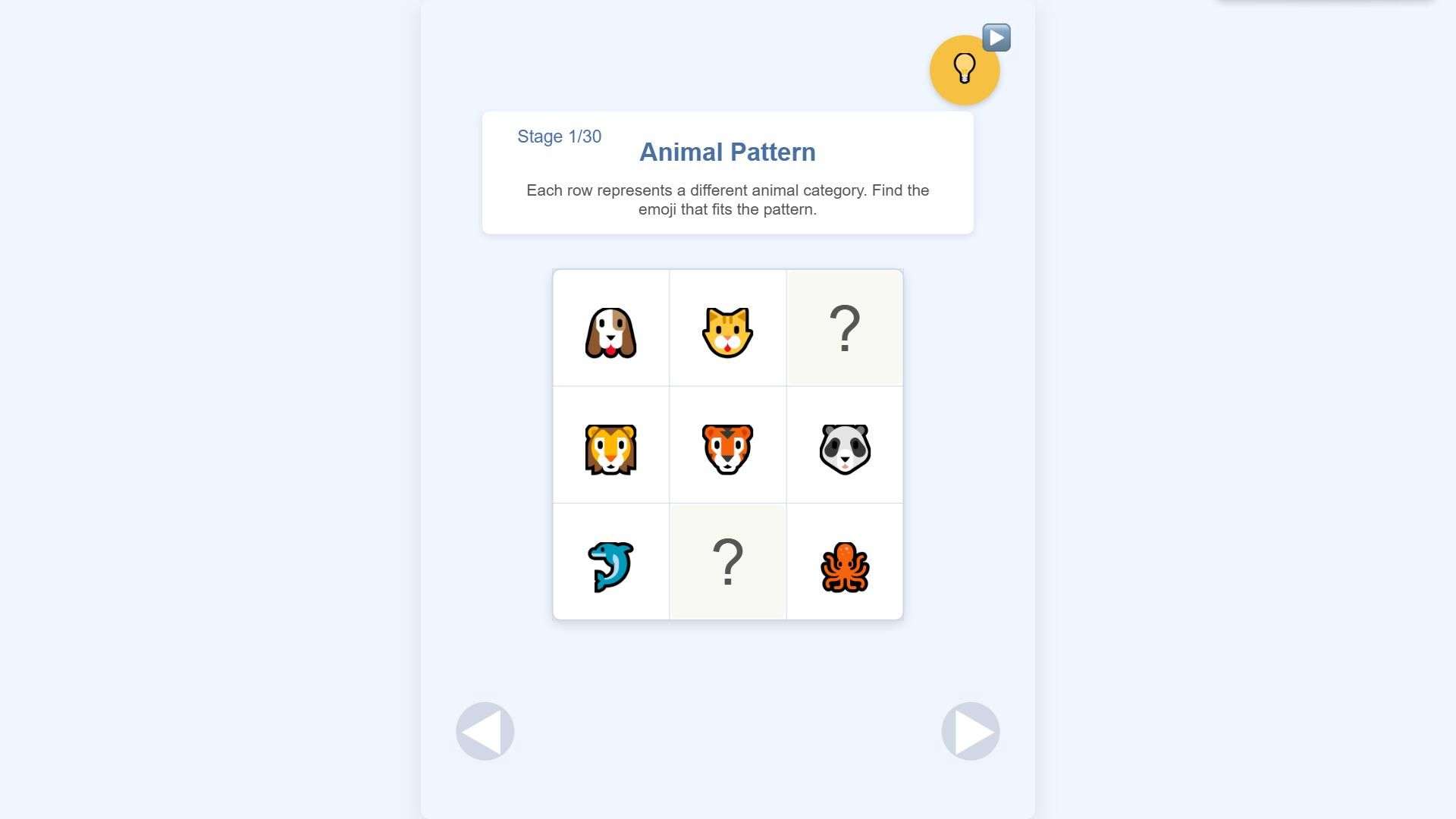
Newbie Phase (Levels 1-10) Core: Anchor "Explicit Categories" to Break Through Quickly. The first 10 levels focus on basic category patterns, and the key is to find the "category anchor" — the group of emojis with the largest quantity and most obvious features in the grid. For example, in Level 3, the grid contains three types of animal emojis, paired with 2 blank cells and animal emojis in the candidate pool. In this case, you can directly select animal emojis to fill in the blanks without hesitation. If you encounter a mixed scene with apples, bananas, grapes, and milk, pay attention to eliminating the outlier (milk belongs to drinks) and prioritize locking in the fruit category to fill the blanks. Newbies should avoid "trial and error one by one"; instead, scan the grid as a whole. Locating the high-frequency category within 3 seconds can save 80% of your time.
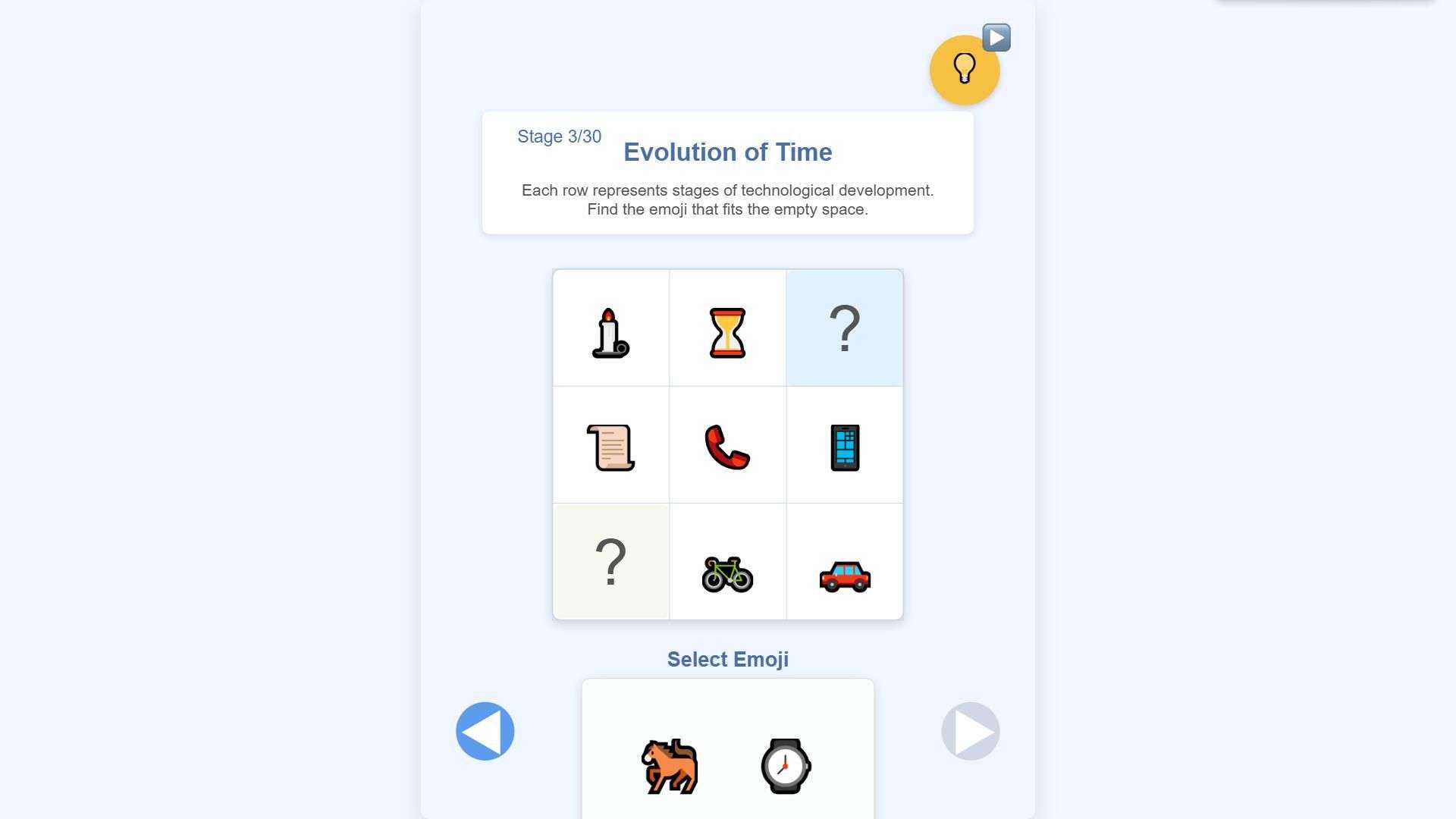
Intermediate Progression (Levels 11-20) Key: Decompose "Complex Sequences" for Precise Positioning. At this stage, the patterns upgrade to a complex mode of "category + sequence", and relying solely on categories won't lead to clearance. Take Level 15 as an example: the grid shows an arrangement of "rain, cloud, sun, rain, cloud, ?", and the candidate pool includes sun, thunder, and snow. At this point, you need to decompose two layers of logic first: one is the "weather" category to eliminate non-weather emojis; the other is the cyclic sequence of "rain → cloud → sun", so the blank must be filled with sun. Another common complex pattern is "functional association + quantity". For instance, in Level 18, there are combinations like "dining plate + 1 fork" and "soup bowl + 2 pairs of chopsticks". The blank cell needs to match the dual logic of "frying pan + 2 pairs of chopsticks" (tableware + quantity). Remember the decomposition principle of "classify first, then find the sequence" — it can solve 90% of intermediate levels.
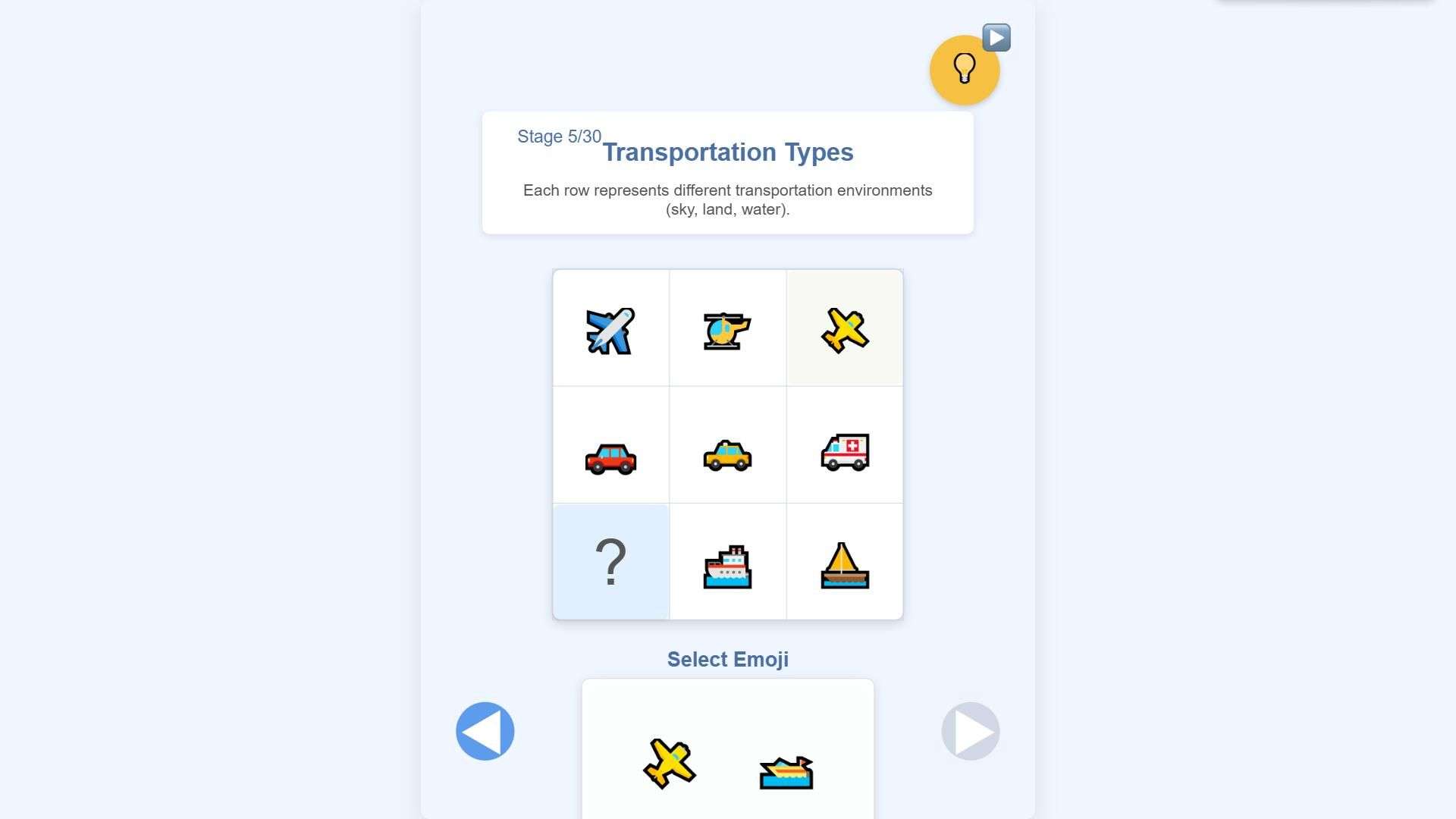
Late-Stage Sprint (Levels 21-30) Secret: Reverse "Associative Logic" for Verification and Error Correction. Late-stage levels often feature "cross-scene association" patterns. For example, cars, taking-off planes, flying planes, and bicycles are paired with landing planes. On the surface, they are all means of transportation, but they actually hide the "air transportation" association (taking-off planes, flying planes, and landing planes are aircraft). At this point, you can use the "reverse method": assume the blank cell needs an air transportation tool, then check if there is a corresponding option in the candidate pool. If it matches, the assumption is valid. If you get stuck, fill in the blank cells with "clear patterns" first. For example, in Level 25, the grid clearly has the number sequence "1, 2, ?, 4". After filling in "3" first, the "associative logic" of the remaining blank cells will become clearer.
Universal Tip for All Stages: Use "Local Verification" to Avoid Mistakes. Regardless of the level type, you must verify immediately after filling in the blanks: scan horizontally and vertically respectively to ensure no "outliers are mixed in". For example, if a row contains both fish and a ship after filling, and it's not an "aquatic association" level, it's most likely a wrong choice. Additionally, late-stage levels have grids expanded to 5x5. It is recommended to analyze row by row (row priority) to avoid missing pattern clues at the edges. Mastering these skills not only helps you clear the levels but also cultivates the logical thinking habit of "overall → local → verification", making every level a joyful brain-training experience.