


















Game Introduction
Step into the world of Cinema Empire Idle Tycoon—your dream of building a blockbuster theater empire starts now!
This isn’t just an idle simulation game; it’s your chance to grow from a tiny screening room into a movie-going destination. As the boss, you’ll call all the shots: unlock essential theater facilities, from sleek ticket booths and cozy movie halls to inviting dining areas. Hire a reliable team to boost efficiency, so every dollar works harder for you.
Want to crank up profits? Add popcorn vending spots and refreshing drink stations—small touches that turn casual visitors into big spenders. Expand your space, unlock more playing rooms, and watch your humble theater balloon into a sprawling cinema hub. Check off every area, and you’ll unlock the next level of empire-building fun!
Best of all? You don’t have to grind nonstop. Sit back, relax, and let the idle magic do its work—your profits will roll in even when you’re not tapping. Ready to become the ultimate cinema tycoon? Let’s lights, camera, profit!
Game Features
Lightweight Idle Gameplay
No continuous operation required, automatic earnings even when offline, and a relaxed gaming experience without overworking
Progressive Empire Building
Start with a mini screening room, gradually unlock facilities like additional theaters and dining areas, and expand into a large-scale cinema hub
Diversified Revenue Streams
Beyond basic ticket sales, add popcorn and beverage stands to boost extra profits
Simulated Management Decisions
Independently hire employees to improve efficiency, unlock new areas for progression, and take control of the entire cinema operation process
Fun Growth Feedback
Visualize the expansion progress and gain continuous a sense of accomplishment by unlocking new levels
Gameplay and Controls
Tap icons marked with "+" or "Unlock", and spend coins to unlock facilities like ticket booths and movie halls
Tap the "Upgrade" button on unlocked facilities to improve service efficiency and capacity
After unlocking the "Manager", no manual operation is needed; offline earnings can be claimed with one tap upon re-login
Tap the "Staff Center" to hire employees, which optimizes the operation speed of corresponding facilities
When "Malfunction" or "Out of Stock" pop-ups appear, tap the "Repair" or "Replenish" button to resume operation
Game Guide
 1. Golden 3-Step Start: Kickstart Cash Flow Quickly
In the beginner phase, your top priority is to break free from the "manual operation dependency" bottleneck. After launching the game, immediately follow the tutorial to unlock the basic ticket booth and your first movie hall. At this stage, focus on tapping the progress bar above the ticket booth to speed up revenue settlement—you can accumulate the first batch of upgrade funds within 3 minutes. Next, prioritize unlocking popcorn stands: although these value-added facilities have low single-time profits, they have no cooldown period and can provide a steady supplementary cash flow. Watch out for early-game pitfalls: never upgrade non-essential facilities like seats too soon. Instead, first ensure the stable operation of the "ticketing-screening-snacks" core triangle.
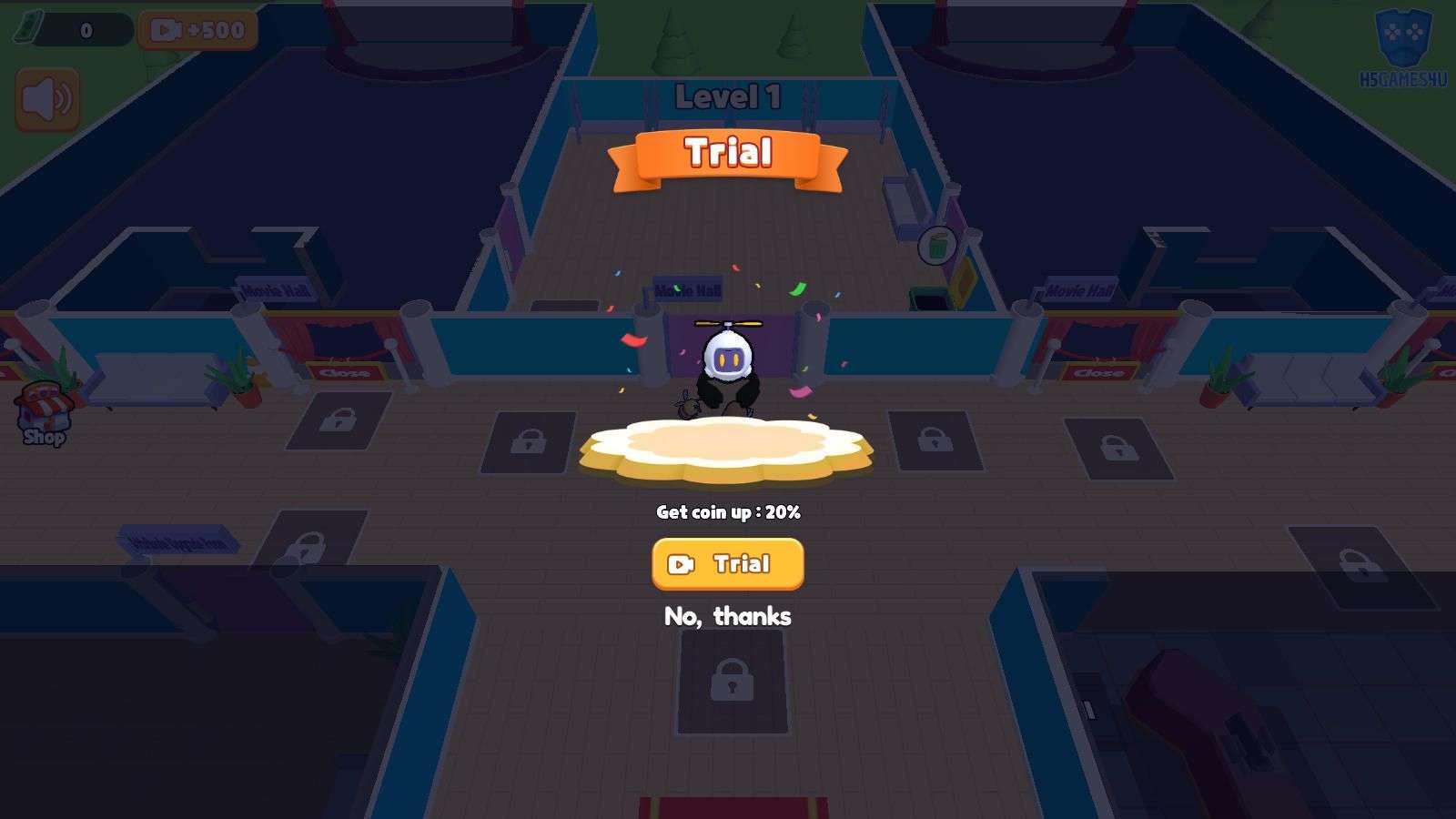 2. Facility Upgrade Priority: Break Through Revenue Bottlenecks
Follow the "production capacity first, capacity second" principle for facility upgrades. For movie hall upgrades, prioritize "ticket price" and "seat count"—the former directly boosts single-time revenue, while the latter expands your customer base. You can postpone upgrading "screening duration". When long queues form at the ticket booth, immediately upgrade "service speed" rather than "number of windows"—a fully upgraded single window is far more efficient than multiple low-level windows. After unlocking the VIP lounge, upgrade the audio equipment simultaneously: high-end customers have a willingness to pay more than 3 times that of regular audiences.
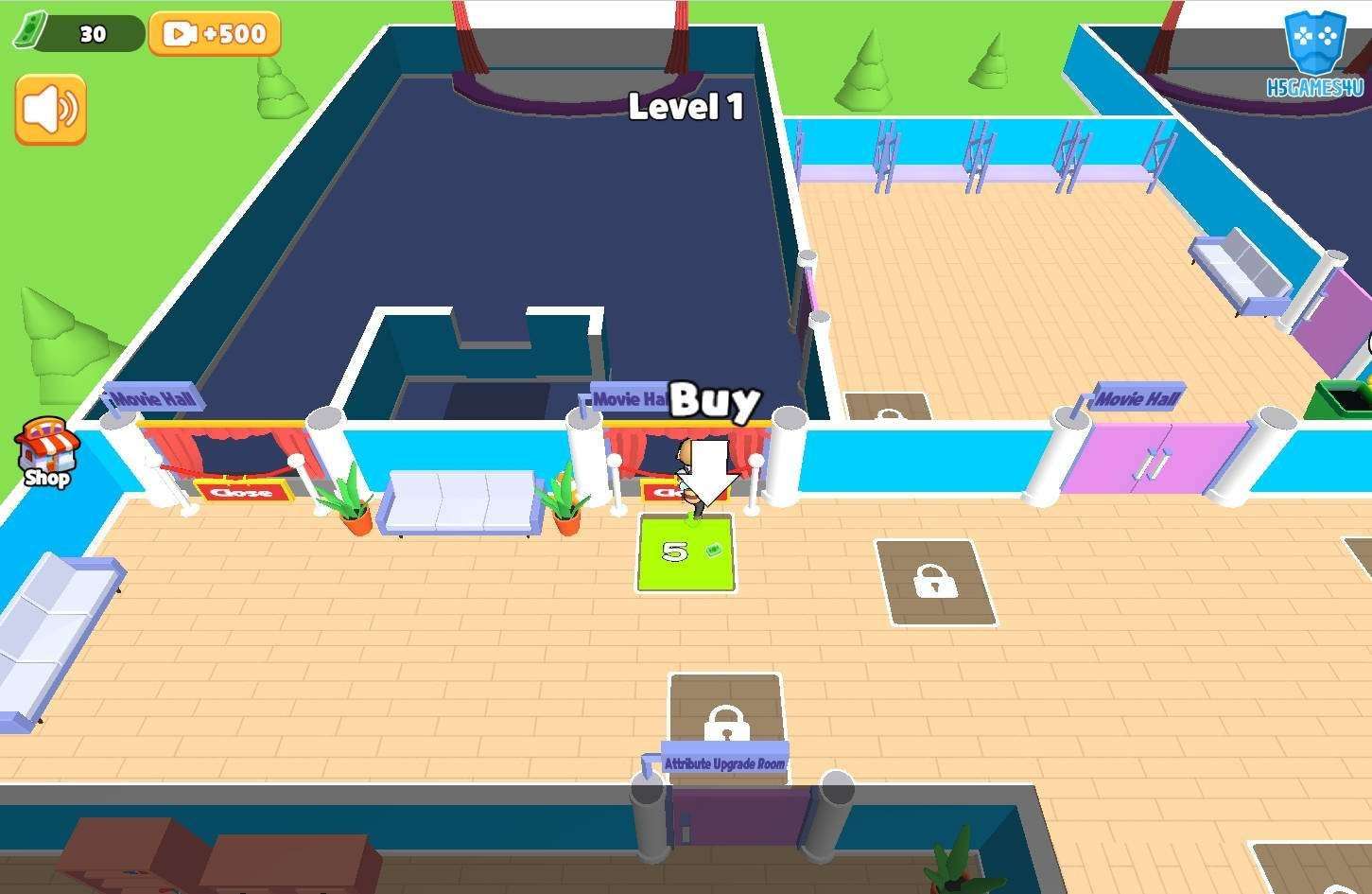 3. Staff & Automation: The Key to Freeing Your Hands
Unlocking the "Manager" is a watershed moment in the game, so reserve a dedicated fund of 15,000 coins in advance. After unlocking, prioritize upgrading the Manager’s "Revenue Boost" skill—at max level, it increases offline revenue by 30%. Recruit staff in the order of "Ticket Sellers → Cleaners → Snack Attendants": the former directly determines customer turnover efficiency, while the latter affects value-added revenue. When multiple facilities need upgrades at the same time, prioritize positions marked with red alerts—for example, "understaffed popcorn machines" can lead to a 50% loss in snack revenue.
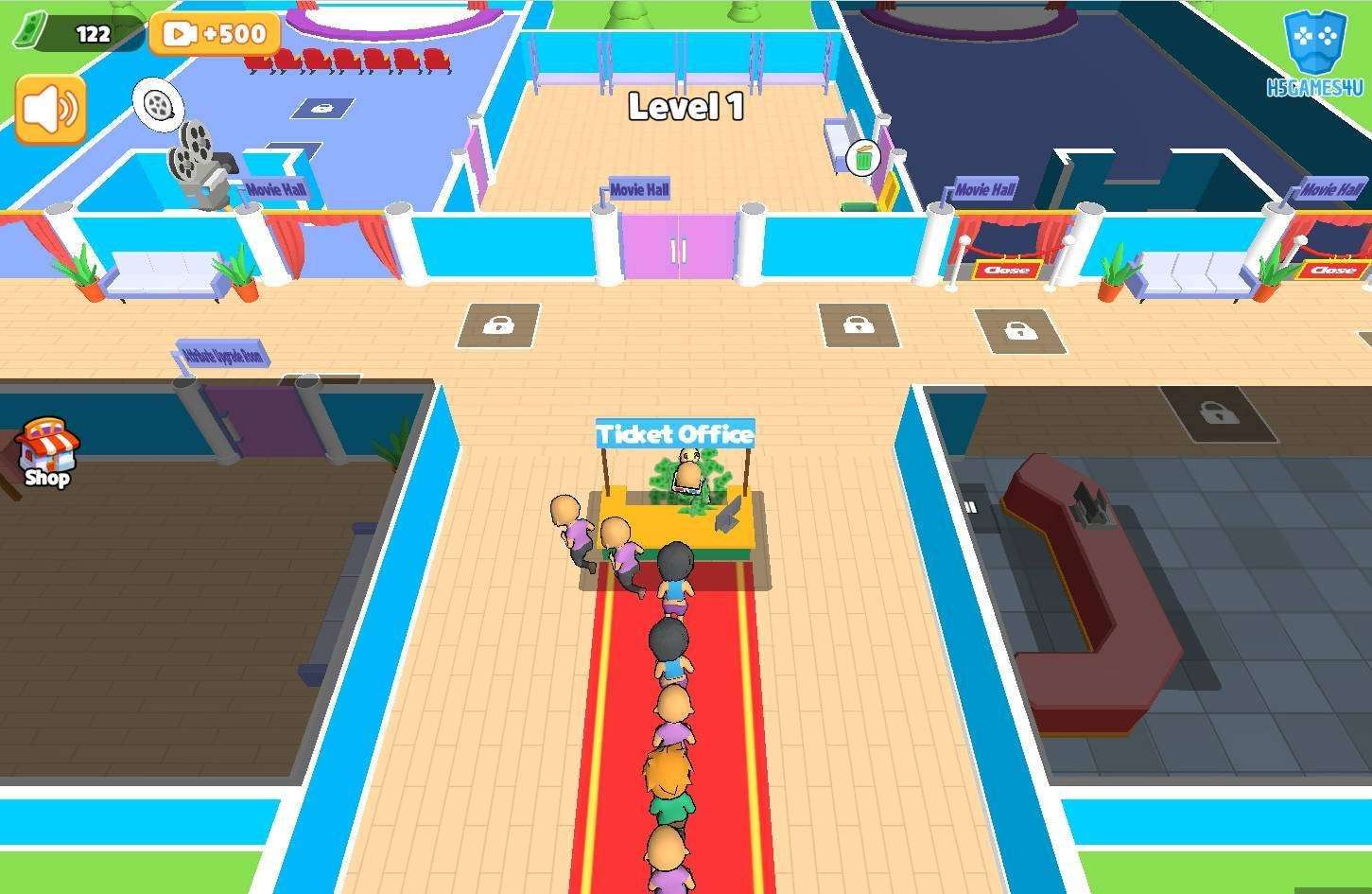 4. Advanced Expansion & Resource Utilization
After fully unlocking all facilities in a single area, immediately save up to open a new movie hall—its base revenue is 40% higher than the old one. Make good use of ad buffs: after watching a short video to get the "2x Revenue for 1 Hour" bonus, focus on upgrading high-production facilities to double your revenue efficiency with 叠加 effects. Keep an eye on red alerts in the "Management Panel": when the parking lot is full, expand it immediately, otherwise you will lose 20% of potential customers. Before going offline, always check equipment status to ensure there are no "malfunction" or "out of stock" pop-ups—otherwise, your offline revenue will be cut by half.