

















Game Introduction
Step into the vibrant universe of Craft Block World Building—where your imagination is the only limit to what you can create! This isn’t just a simulator; it’s a playground for creativity, built entirely from colorful cubes waiting to take shape under your hands.
Want to build something extraordinary? Grab your tools and design anything you can dream of: bustling cities with towering skyscrapers, winding race tracks for high-speed fun, or magical fantasy kingdoms where every block tells a story. Every cube you place isn’t just a piece of the puzzle—it’s a step toward bringing your dream land to life, whether you’re crafting cozy parks, sprawling farms, or even hidden secret spots.
But creativity isn’t the only thrill here! Hop into a car and hit the open landscape—race across blocky mountains that touch the sky, cruise beside shimmering rivers, or explore endless fields that stretch as far as the eye can see. And don’t forget to slow down and collect vibrant flowers along the way; gift them to your favorite in-game animals or use them to add a cheerful pop of color to your creations.
This is your blocky paradise—build it, explore it, and make it uniquely yours. Welcome to Craft Block World Building!
Game Features
Unbounded Creative Building
Based on colorful blocks, it supports creating diverse scenes such as cities, race tracks, and fantasy kingdoms—each block contributes to building your dream land.
Open World Exploration
Drive a car through open terrains like blocky mountains, rivers, and vast fields, and enjoy the fun of free roaming.
Fun Collection & Interaction
Collect vibrant flowers along the way, which can be either given to in-game animals or used to add color to your self-built creations.
Custom Paradise Creation
From parks and farms to hidden corners, all are designed independently by players to build a unique block paradise.
Gameplay and Controls
Building Operation
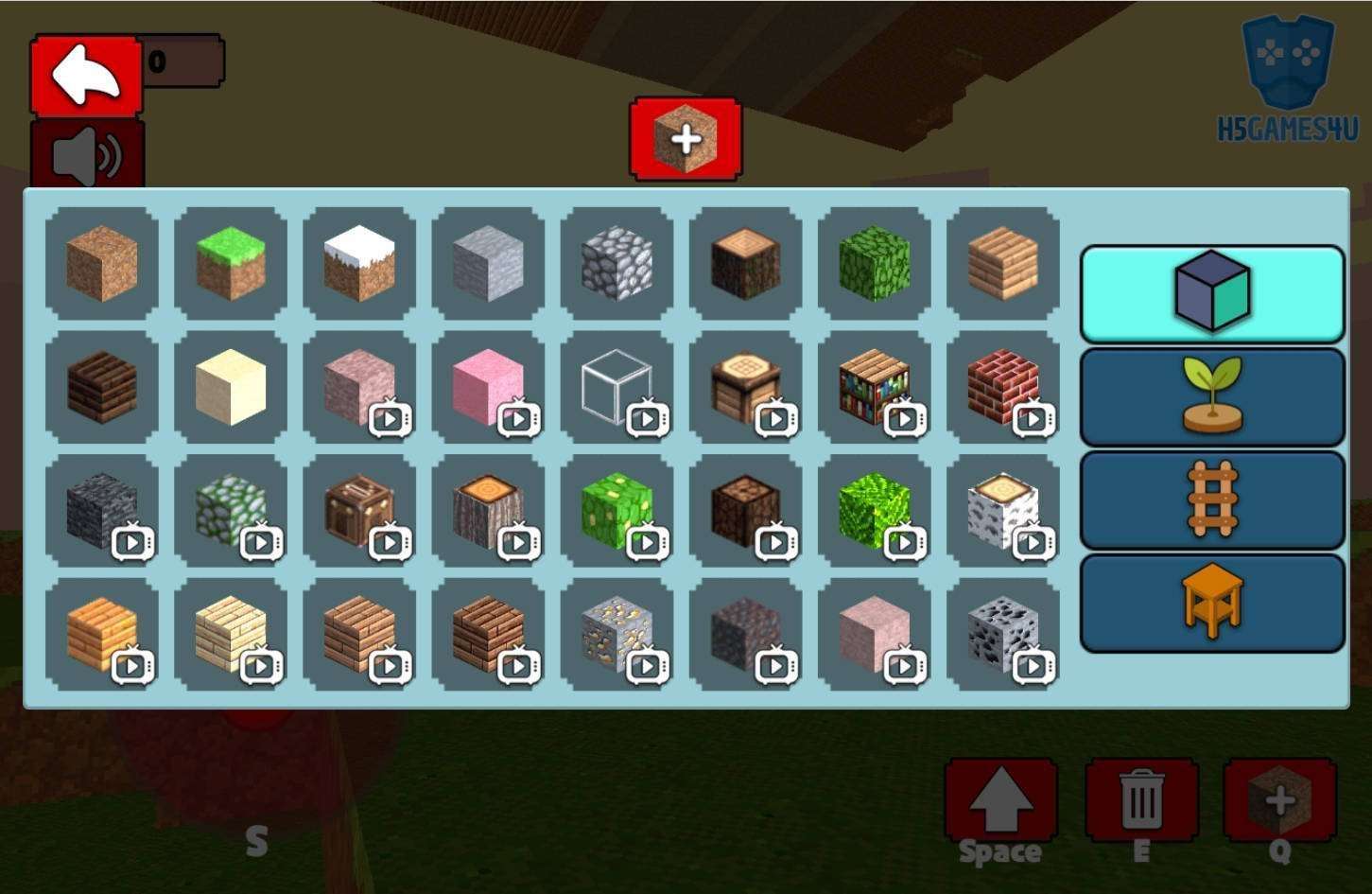
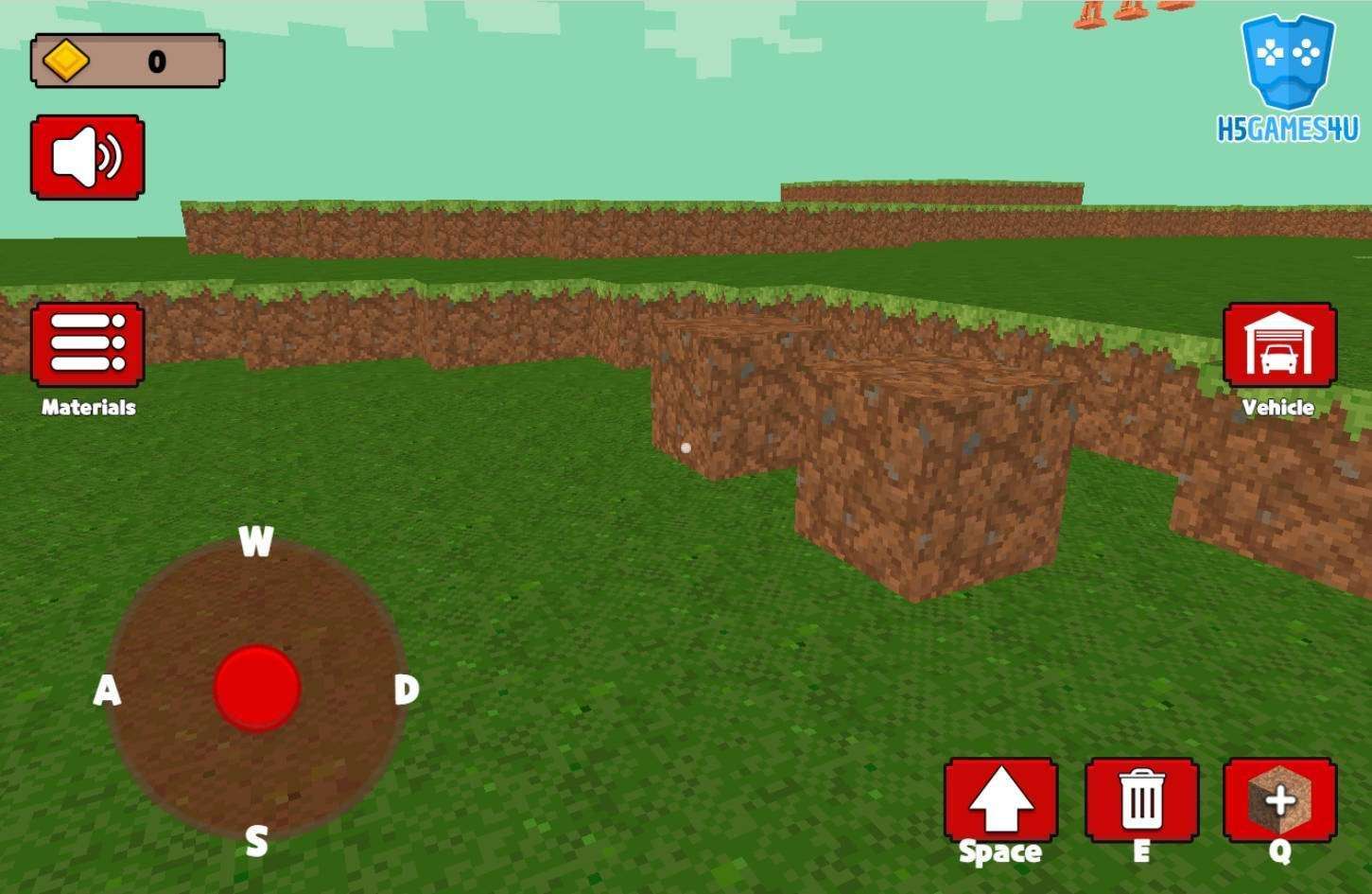
Tap the "Building Tools" on the right to select materials, then tap the screen to place blocks; long-press a block and tap "Delete" to remove it, or hold the place button for batch placement.
Driving Control
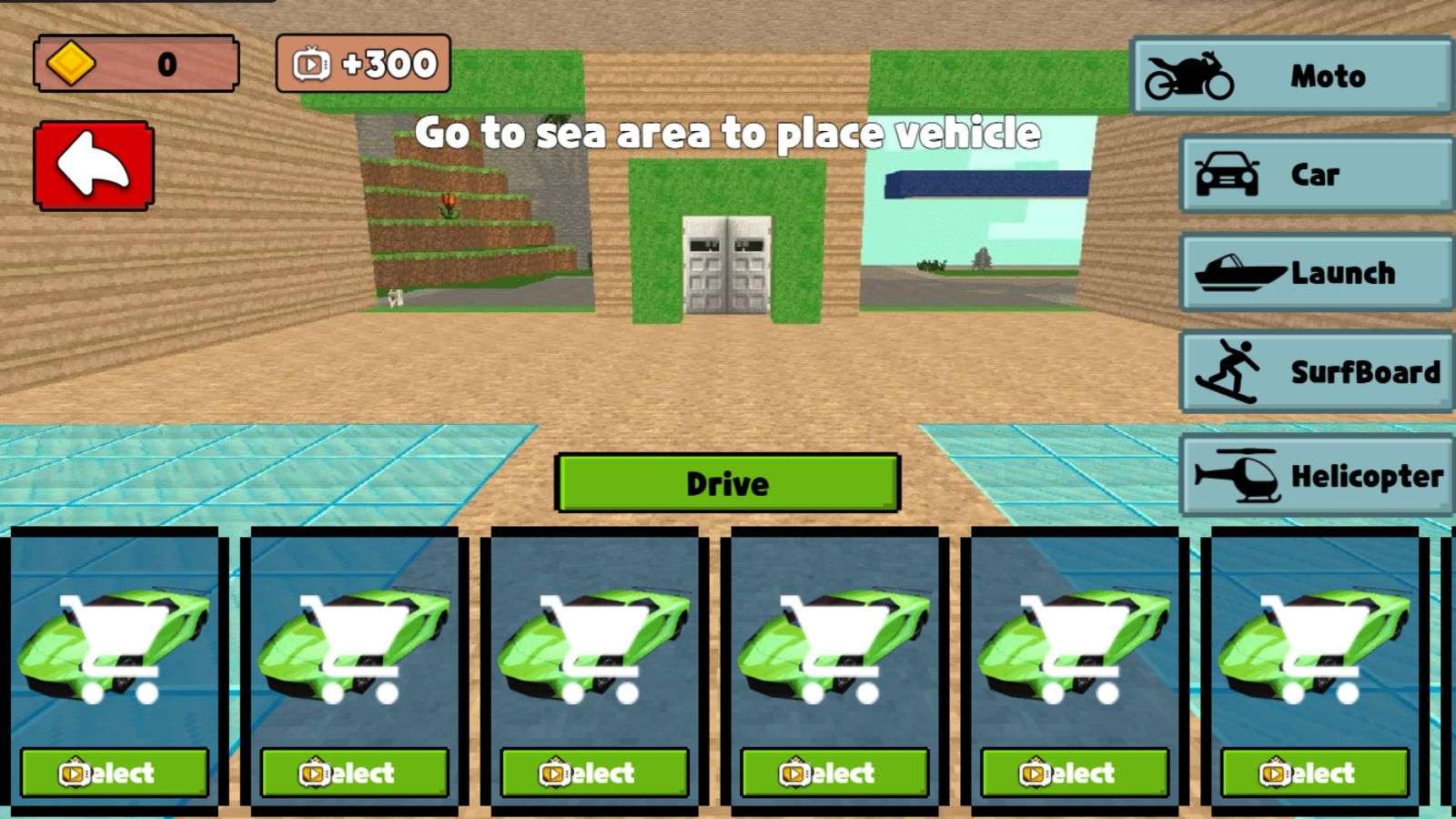
Find a car and tap "Drive" to enter; use the left joystick/gravity sensor to control direction, and the right "Accelerator/Brake" to control speed. Perspective switching is available.
Flower Collection
Approach glowing flowers in the wild and tap to automatically store them in the backpack. Open the backpack to check the quantity and types of flowers collected.
Interactive Gameplay
To give flowers to animals, tap "Gift" and select flowers; to decorate buildings, enter building mode, select flowers from the backpack, and tap the building surface.
General Settings
Tap the "Gear" icon on the main interface to adjust sensitivity, sound effects, etc.; if you encounter problems, tap "Help" to view the beginner tutorial.
Game Guide
 1. Building Efficiency: From "Matchbox" to Exquisite Scenes
New players often fall into the inefficient trap of "placing blocks one by one"—mastering the batch placement function is the key. After selecting materials, long-press the placement button; blocks will automatically align and attach, increasing efficiency by more than 5 times when building walls or roads. For complex structures, first use water flow to define the area: place a water source, then lay blocks—the range covered by water will be your building boundary, avoiding rework from later adjustments.
Advanced players can try the "layered building method": use dark-colored blocks for the foundation (bottom layer), transparent glass for walls (middle layer), and stair-shaped blocks for sloped roofs (top layer). This combination saves materials while creating 3D buildings with attics, leaving behind the monotonous "matchbox" look. For decoration, drag flowers from your backpack and tap densely along the building edges—this automatically generates a vine border, no manual position adjustment needed.
 2. Exploration & Collection: Unlock Maps and Resources Efficiently
Driving is the core of exploration. Prioritize unlocking the "third-person perspective" (tap the perspective button while driving) to clearly see terrain undulations and avoid getting stuck in blocky mountains. When encountering rivers, accelerate up slopes to trigger jumps—rare blue flowers are often hidden at landing spots. It’s recommended to explore in a "clockwise loop" route; mark collected areas with light-colored blocks to avoid retracing your steps.
There are hidden tips for flower collection: grassland biomes are rich in small yellow flowers (ideal for decorating farms), while red flowers are common at forest edges (doubling favorability when given to foxes). When your backpack is full, no need to return—temporarily build a "storage tower": use batch placement to stack 10 layers of blocks, then fill the top layer with flowers. You can pick them up later when driving past.
 3. Functional Scenes: Unlock In-Depth Gameplay
Creating "interactive scenes" enhances gameplay fun: use blocks to enclose a closed area, cover the inner side with flowers to attract animals. Once they gather, give flowers in one go to unlock the "Animal Companion" achievement. When designing race tracks, place half-height block ramps at curves—triggering drifts while driving grants a speed boost buff, making it easy to beat lap records.
If you encounter operation lag, enter "Settings" (gear icon) and adjust "perspective sensitivity" to 60% and "gravity sensor intensity" to 80%. This ensures driving precision while preventing perspective shaking during building. New players can check the illustrated tutorial in "Help" at any time to quickly fix issues like structure collapse or vehicle glitches.