

















Game Introduction
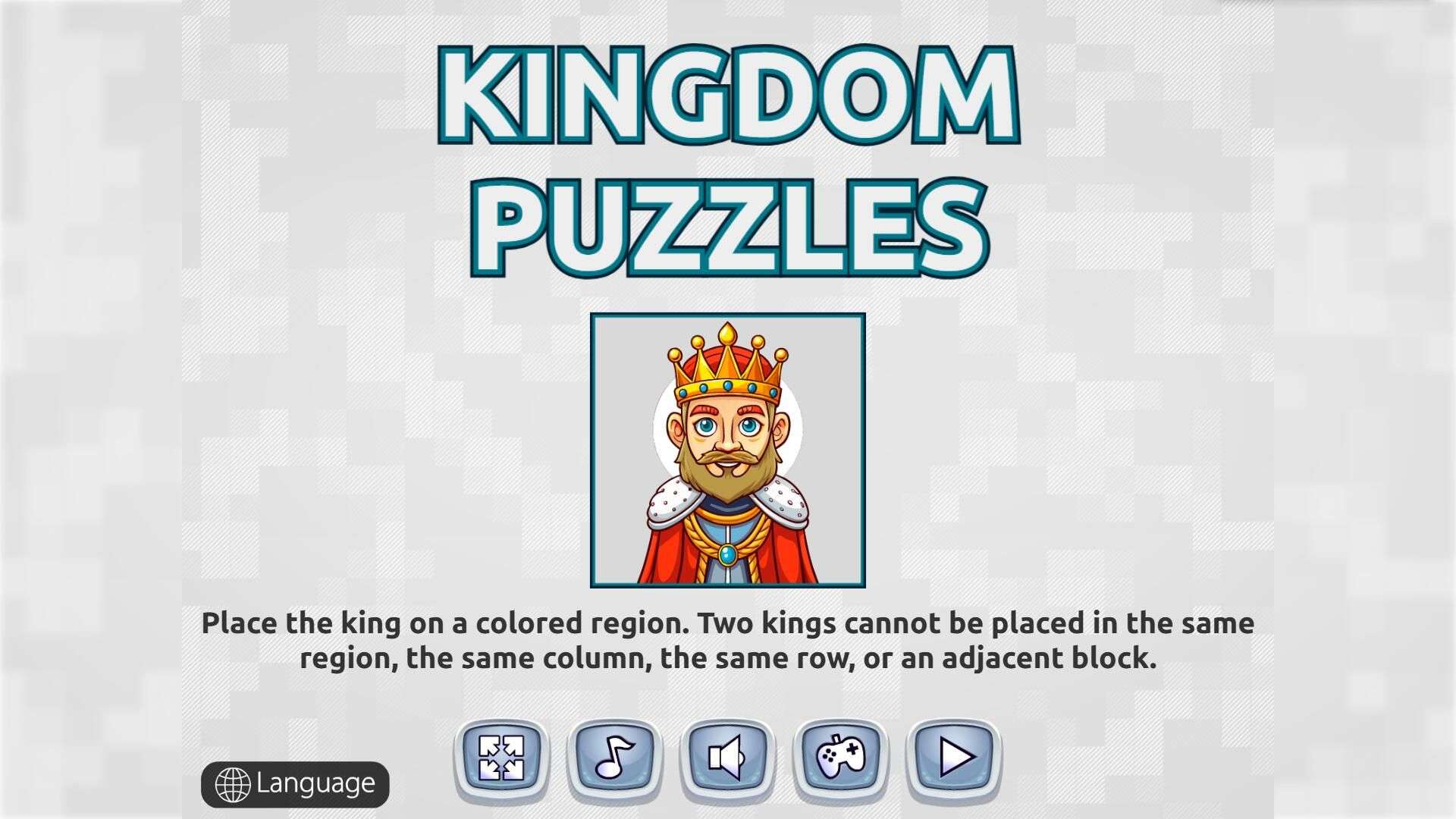
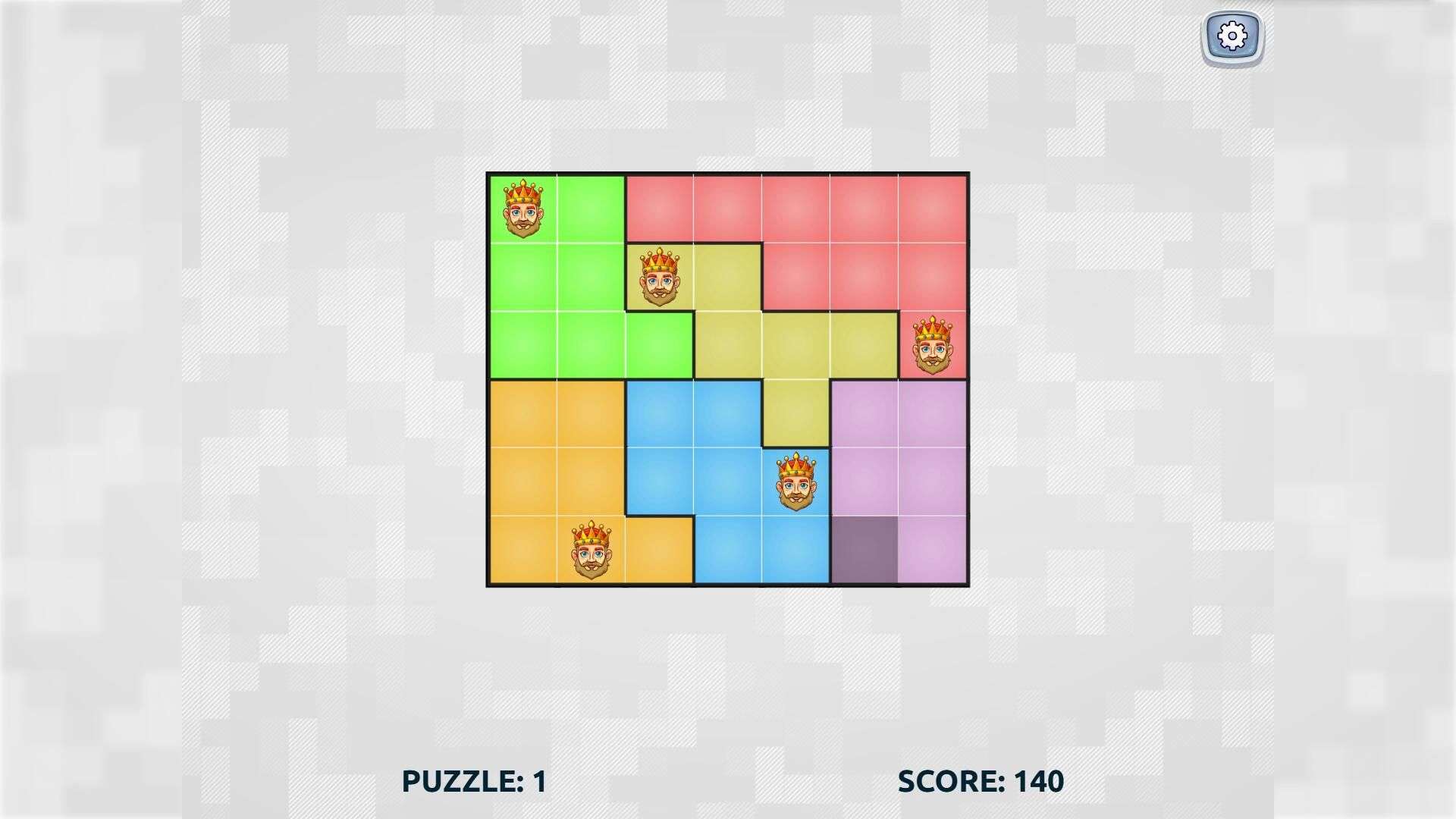
Looking for a game that keeps your brain active without feeling stressful? Kingdom Puzzle is perfect for you! When you open the game, you’ll see a grid divided into colored sections, and your main task is to place one king in each colored section.
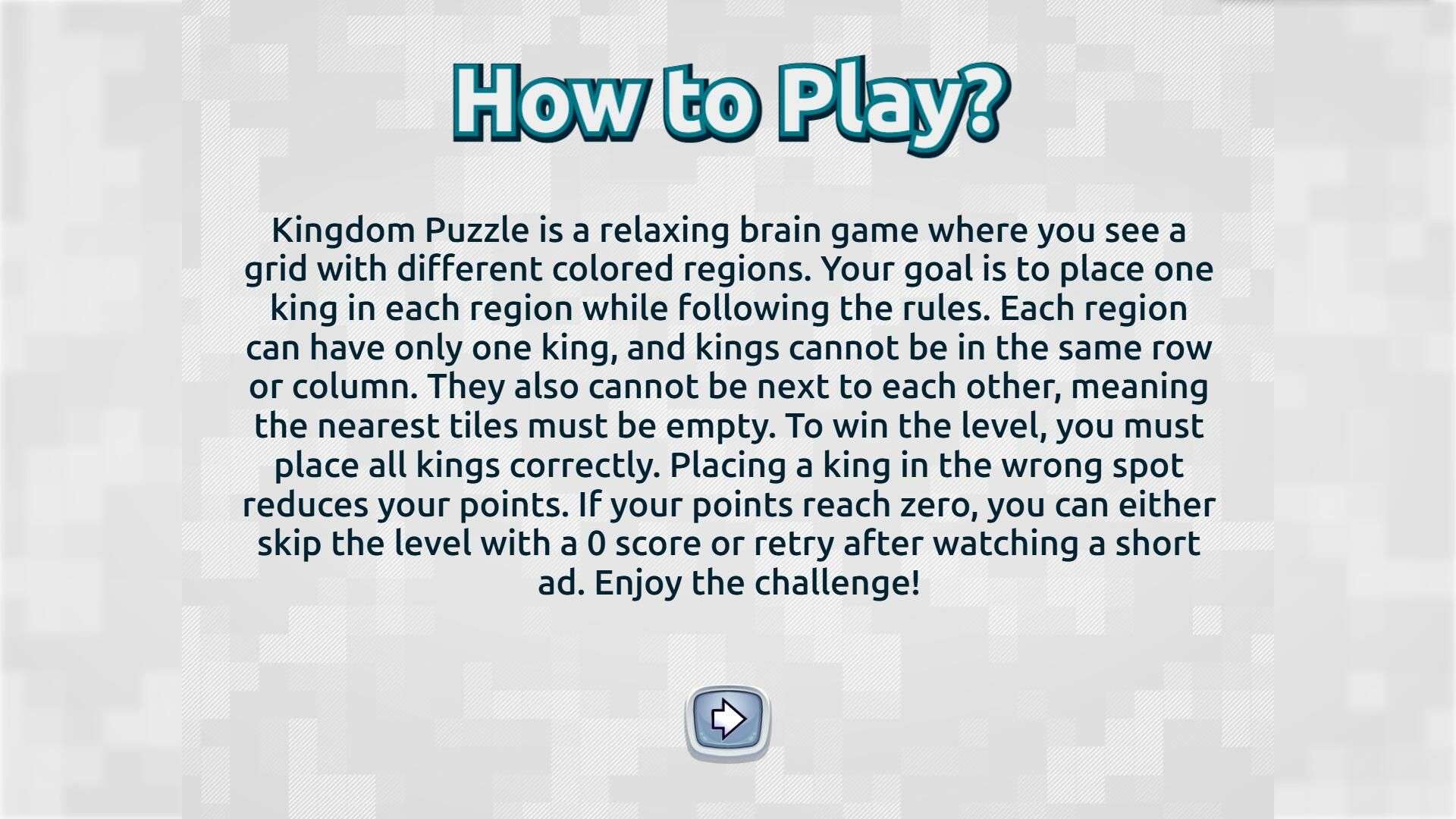
There are simple guidelines for placing the kings: each colored section can only have one king. Additionally, no two kings can be in the same row or column, and they can’t be adjacent to each other—their surrounding tiles must remain empty. Once you place all kings in positions that meet these requirements, you’ll successfully clear the level.
Don’t worry if you place a king incorrectly; it will only deduct a small amount of points. If your points drop to zero, you can either skip the level with a score of zero or retry after watching a short ad—choose whatever feels more relaxed for you.
No need to rush for progress or compete with speed. Open the game anytime you want and enjoy the fun of planning and placing the kings at your own pace!
Game Features
1. Color-Coded Zone Visual Design, Intuitively Reducing Decision-Making Difficulty
The grid is clearly divided into zones using different colors, allowing players to quickly identify the core goal of "placing one king in each zone" without repeatedly confirming zone boundaries. The distinct color contrast ensures a clean visual experience while helping new players focus on layout logic faster, reducing mistakes caused by visual confusion.
2. Reasonable Level Difficulty Progression, Catering to Both New and Advanced Players
Initial levels feature small grids and few zones, with a low threshold for understanding rules, making it easy for new players to get started. As progress advances, grids become larger, zone shapes more complex, and the mutual constraints between kings' positions strengthen—gradually deepening strategic thinking and ensuring advanced players also enjoy continuous challenging fun.
3. No Time Limit Design, Focusing on Enjoying the Strategic Process
The game has no level countdown, allowing players to deduce kings' positions at their own pace without anxiety from "rushing against time." Whether carefully calculating row/column and adjacency relationships or pausing temporarily to think, players have full control, truly achieving "relaxing brain-teasing."
4. Independent Single Levels, No Dependency—Start/Stop Anytime Without Affecting Experience
Each level is an independent layout task, with no plot connections or prerequisite item requirements. Even if you exit midway, re-entering allows you to restart from the current level—no need to review from the beginning or make up for progress. This perfectly adapts to "fragmented start-stop" scenarios, such as commutes or waiting in lines.
5. Low-Pressure Sense of Achievement Feedback, Positively Motivating Continuous Gameplay
Clearing a level only requires placing all kings correctly according to rules—no additional pressure from "star ratings" or "item consumption." Every completed level provides direct feedback of "successful layout." This low-threshold sense of achievement continuously motivates players to unlock the next level while avoiding psychological burden from pursuing high scores.
Gameplay and Controls
Kingdom Puzzle Operation Guide: Play with just clicks—easy to get started.
1. Interface Overview
Three core interface modules in a level:
1. Game Area: Color-coded grid, one king per colored section.
2. King Icon Area: Kings displayed at the bottom/side (quantity = number of colored sections), auto-matched in some versions.
3. Function Area: Buttons for "Restart", "Pause", "Back", etc.
2. Core Operations
Objective: Place one king in each colored section (Rules: No same row/column, no adjacency). Operations:
4. Select a colored section without a king.
5. Click an empty cell in the section to place the king. Invalid placement triggers a prompt and score deduction.
6. Click a placed king to remove and reposition it.
3. Auxiliary Functions & Level Clearance
Function buttons & clearance instructions:
- Restart: Clear all kings to re-plan; Pause: Freeze progress; Back: Exit to level list.
- Clearance: Place all kings correctly in their sections to unlock the next level automatically.
Tip: Plan the layout first to reduce mistakes!
Game Guide
Centered on "low-stress brain-teasing", Kingdom Puzzle hides key logical layout skills behind the seemingly simple "place kings in zones". Master the following methods, and both novices and players stuck on levels can easily clear levels and progress.

1. Basic Understanding: Clarify the Core "No-No" Rules First
The key to clearing levels is avoiding three mistakes: first, each colored zone must have exactly one king—missing or placing extra kings leads to immediate failure; second, no two kings can be in the same row or column, which is the "row-column mutual exclusion" principle; third, kings cannot be adjacent, including 8 adjacent grids (up, down, left, right, and diagonally), known as the "8-directional adjacency ban" rule. It's recommended that novices scan the grid for 3 seconds before starting to mark the boundaries of each zone, avoiding misplacing due to visual confusion.
2. Novice Introduction: Break Through from the "Smallest Zone" to Reduce Decision-Making Costs
Early levels have small grids and regular zones. The most efficient method is to start with the "smallest zone". For example, zones with 1-2 grids have limited placement options. Confirming the king's position in these zones first can quickly lock "unusable rows and columns", reducing interference in subsequent decisions. For instance: if a king is placed in a 1-grid zone at the top-left corner, you can directly mark that row, column, and adjacent grids as "forbidden areas", avoiding them when placing other kings and greatly reducing error rates.
Follow the "edge-first, center-last" principle when placing. Kings in edge zones only need to consider 3-5 adjacent grids, while central zones require consideration of 8 directions. Fixing edge positions first reserves more flexible layout space for central zones.
3. Advanced Skills: Use "Elimination + Preview" to Solve Complex Levels
As levels progress, grids become larger and zones take irregular shapes (such as L-shapes, U-shapes). At this point, use the "elimination method" to narrow down options. Take a 4x4 grid with 4 zones as an example: first list all empty grids in each zone, then cross out invalid grids by comparing with the "forbidden areas" of placed kings. The remaining grid is the correct position.
Logical reuse can be applied directly when encountering "symmetrical zones". If the grid has left-right or top-bottom symmetrical colored zones, placing kings in symmetrical positions naturally meets the "row-column mutual exclusion" and "no adjacency" rules. For example, if a king is in the top-left of the left zone, place one in the top-right of the right symmetrical zone to complete the layout quickly.
4. Stuck Rescue: Make Good Use of Function Buttons to Optimize Layout Ideas
If you lose many points after repeated placements, don't guess blindly. Click "Restart" to start over, and try a different placement order—for example, if you placed left to right before, try right to left this time. This often reveals new layout possibilities. If you can't find a valid position for a zone, leave it empty temporarily. After completing all other zones, the remaining valid grid must be correct—this is the "last zone must be valid" rule.
Finally, remember: there's no time limit. After placing each king, spend 2 seconds checking its row, column, and adjacent grids. Confirm no violations before proceeding. Master the "smallest zone breakthrough + elimination method", and even complex 10x10 grids can be easily conquered, letting you enjoy the sense of accomplishment from logical layout.