















Game Introduction
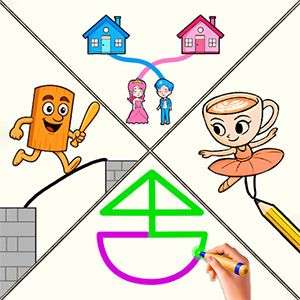
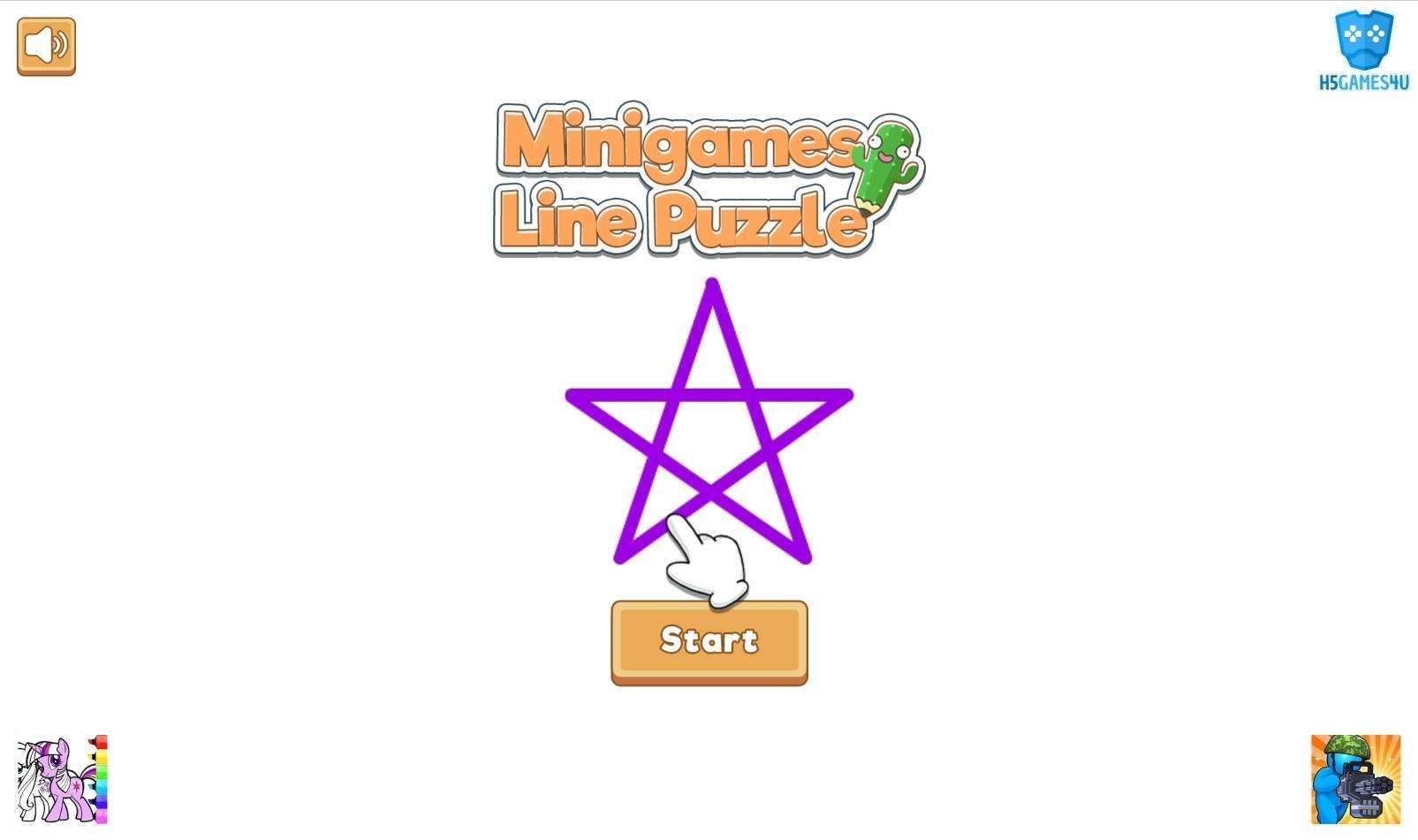
Ready to pick up your virtual pen and unlock a world of playful challenges? In Minigames Line Puzzle, every tap and drag turns into a chance to create, connect, and outthink the ordinary. This isn’t just a puzzle game—it’s a vibrant collection of creative minigames that blend brain-teasing fun with laid-back relaxation, guaranteed to keep your mind sharp and your mood bright!
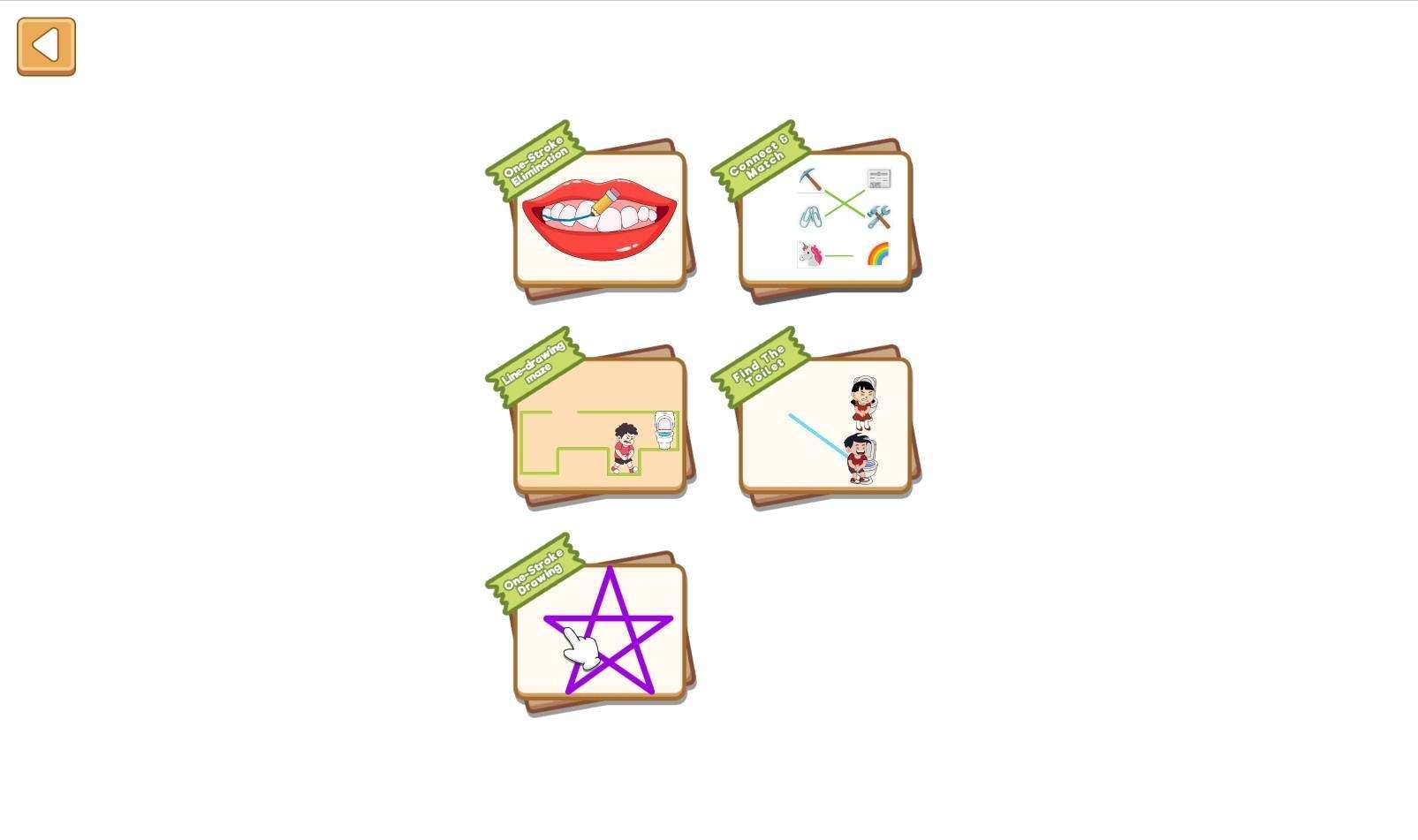
Each level brings a fresh, exciting puzzle to conquer. Navigate the line-drawing maze: sketch the perfect path to guide the boy straight to the toilet, no wrong turns allowed. Dive into one-stroke elimination: put your thinking cap on, trace the right shape, and watch as the pattern vanishes before your eyes. Whether you’re a die-hard fan of brain teasers or just looking for a calm, enjoyable way to pass the time, this game has something for everyone.
Grab your device, step into the world of Minigames Line Puzzle, and let the connect-the-dots adventure begin—where art meets logic, and every solve feels like a win!
Game Features
1. Intuitive, Interactive Gameplay
With the "virtual brush" as the core tool, create and connect via simple clicks and drags—no steep learning curve. New or seasoned players can dive in quickly, as every action ties directly to puzzle solutions, with clear feedback.
2. Diverse, Fresh Levels
As a creative mini-game collection, levels never repeat: enjoy modes like "Line-Drawing Maze" (guide the character) and "One-Stroke Elimination" (sketch to erase). Each level brings a new challenge, keeping gameplay engaging.
3. Balanced Brain-Teasing & Relaxation
It blends brain-teasing elements (breaking conventional thinking, analyzing logic) for puzzle fans, plus laid-back vibes. Its gentle pace makes it perfect for unwinding during fragmented time.
4. Rewarding, Positive Experience
Every solved puzzle feels like a win—whether nailing the maze route or erasing patterns—with instant positive feedback. The "art + logic" mix adds extra fun and freshness.
Gameplay and Controls
Basic Operation: Virtual Brush
1. After selecting an unlocked level, the "Virtual Brush" is activated automatically;
2. Tap the starting point, hold and drag to draw a continuous line, then release to finish drawing;
3. If you make a mistake, click the "Undo" button (curved arrow icon) in the corner to go back one step, or click "Reset" to clear the line and redraw.
Mode-Specific Operations
1. Line-Drawing Maze Mode
Goal: Help the character move from the starting point to the toilet (end point);
Steps: ① Check the start and end points to plan a route; ② Tap the start point, drag the line to go around obstacles; ③ When the line connects to the end point, the character will move to the end point and the level is cleared.
One-Stroke Elimination Mode
Goal: Draw the specified shape in one stroke to eliminate the pattern;
Steps: ① Look at the pattern to confirm the key nodes of its outline; ② Select a starting point, hold and drag to outline the complete shape in one go (do not release or redraw); ③ When the line is completed, the pattern will be eliminated and the level is cleared.
Operation Tips
1. Lines don’t need to be perfectly straight; the system will adjust minor deviations. The key is to connect the correct nodes;
2. For some levels, you can modify the existing line instead of resetting;
3. There is no time limit, and you can pause to think.
Game Guide
Minigames Line Puzzle Clearance Guide
Centered around "line-drawing", this game features simple controls, but mastering skills is essential for efficient level clearance. Below is a detailed breakdown from basic operations to mode-specific strategies.
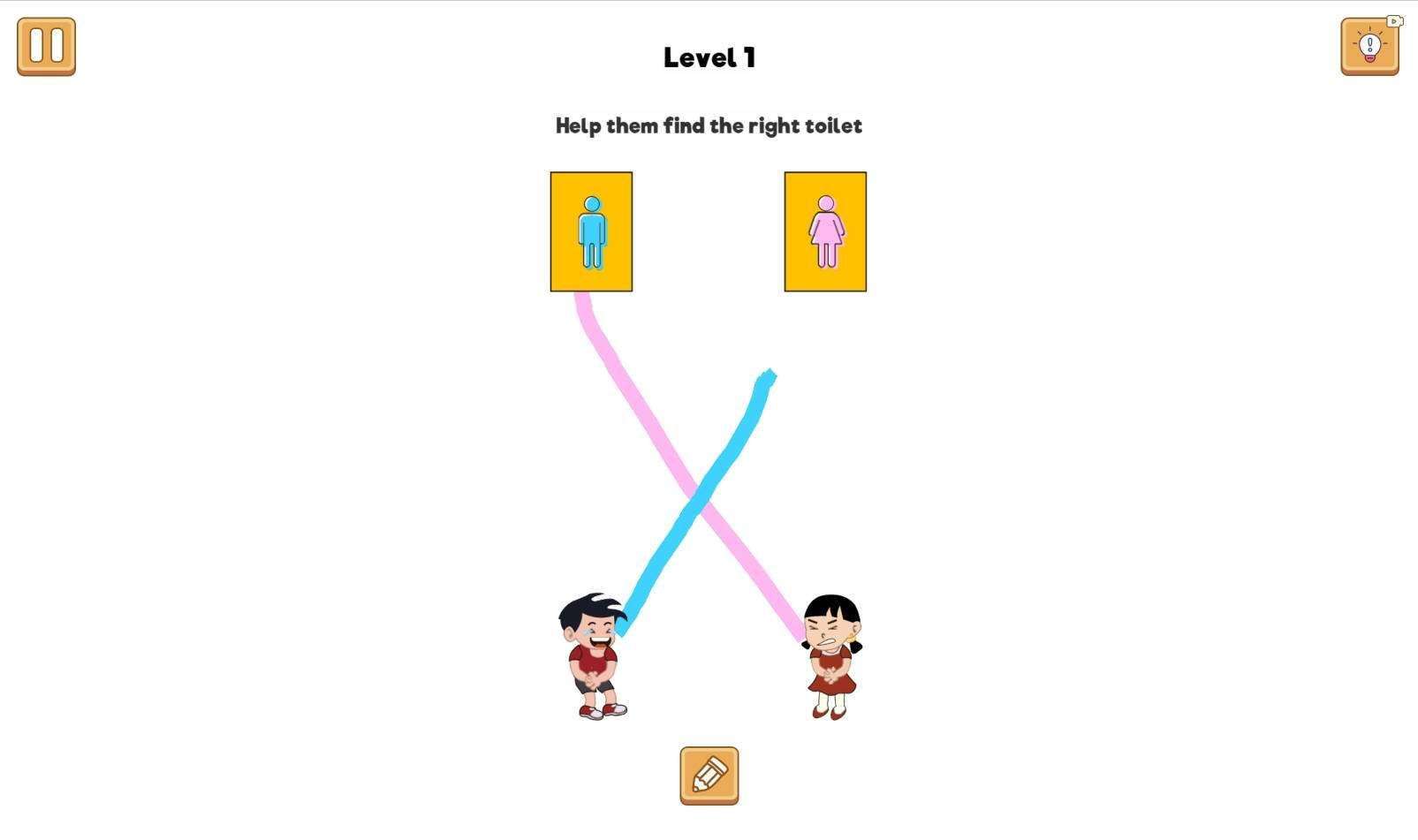
1. Basic Operation Optimization: Minimizing Mistakes is KeyThe "Virtual Brush" activates automatically after selecting a level. New players often make the mistake of "dragging too fast, causing line breaks". It is recommended to slow down while drawing, keep your finger or mouse steady, and avoid releasing midway. If you make a mistake, prioritize using the "Undo" button (curved arrow icon) to go back one step—it saves more time than "Reset". Only use "Reset" to clear the line when there are too many errors or omissions, reducing repetitive operations.
2. Mode-Specific Strategies: Targeted Level Breakthroughs
1. Line-Drawing Maze Mode: Plan Before Drawing
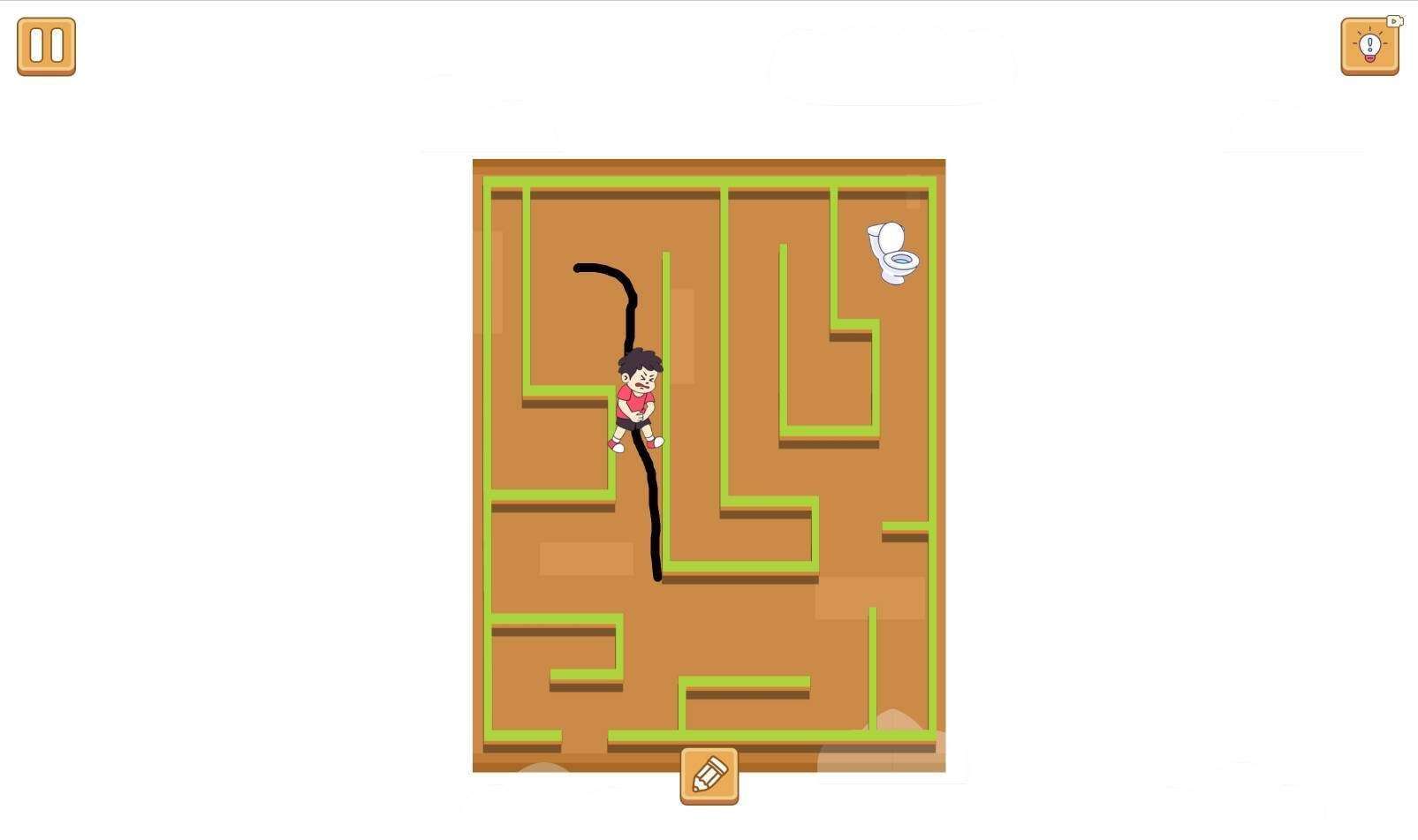
The goal is to guide the character to the toilet, with the main challenge being "navigating around complex obstacles". The clearance technique has two steps: First, "analyze the layout"—check the general direction from the start to the end point, and mark "unobstructed open areas" (such as the maze edges or straight paths in the middle), which are often key to the route. Second, "draw in segments". For large mazes, first draw the line from the start point to the first open area; after confirming no collisions, draw the next segment. This avoids rework due to deviations from one-time drawing. For example, when encountering "multiple forks", prioritize paths with fewer branches to lower the error rate.
2. One-Stroke Elimination Mode: Focus on Outline Nodes
The core is to "draw the specified shape in one stroke". New players often fail due to "missing nodes". First, "identify key nodes"—examine the pattern’s outline. For instance, when drawing an animal, prominent parts like eyes, ears, and paws are nodes; mark them mentally or lightly on the screen. Second, "choose the right starting point"—prioritize "endpoints" of the outline (e.g., the two ends of a straight line, sharp corners of a shape). Such starting points make it easier to complete the outline in one go. For example, when drawing a triangle, start from one sharp corner, connect the other two corners in sequence, and finally return to the starting point—this ensures a high success rate. Note: Do not release your finger/mouse midway or redraw lines. If you slip, use "Undo" promptly to correct it.
3. Advanced Tips: Handling High-Difficulty Levels
Later levels increase the number of obstacles or the complexity of shapes. At this point, "patience comes first". There is no time limit, so you can pause to think. For example, if you get stuck in a maze, exit and re-enter the level—this may make the layout clearer. For complex elimination shapes, mentally rehearse the line-drawing order before actual operation. Some levels support "modifying existing lines"; for example, if the maze line is slightly short of the end point, you can continue dragging and extending from the end of the original line instead of resetting, saving time.
Mastering these skills will greatly improve your clearance efficiency, allowing you to enjoy the fun of line-drawing while unlocking new levels quickly.