
















What’s the Idea Here?
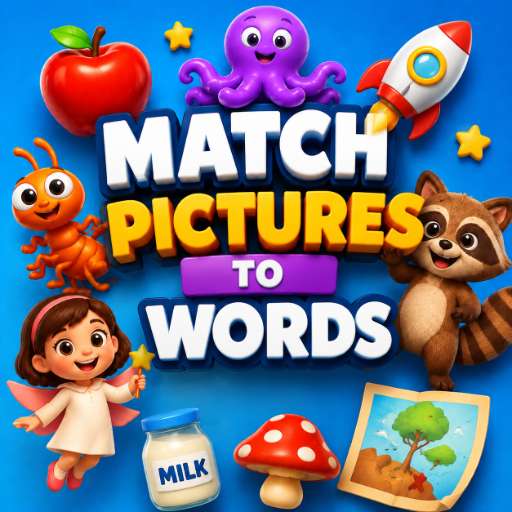
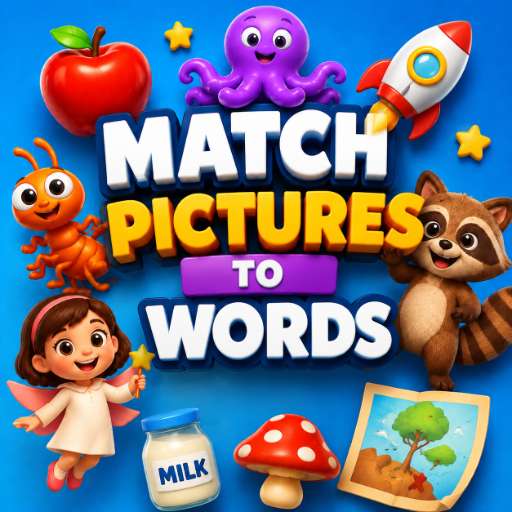
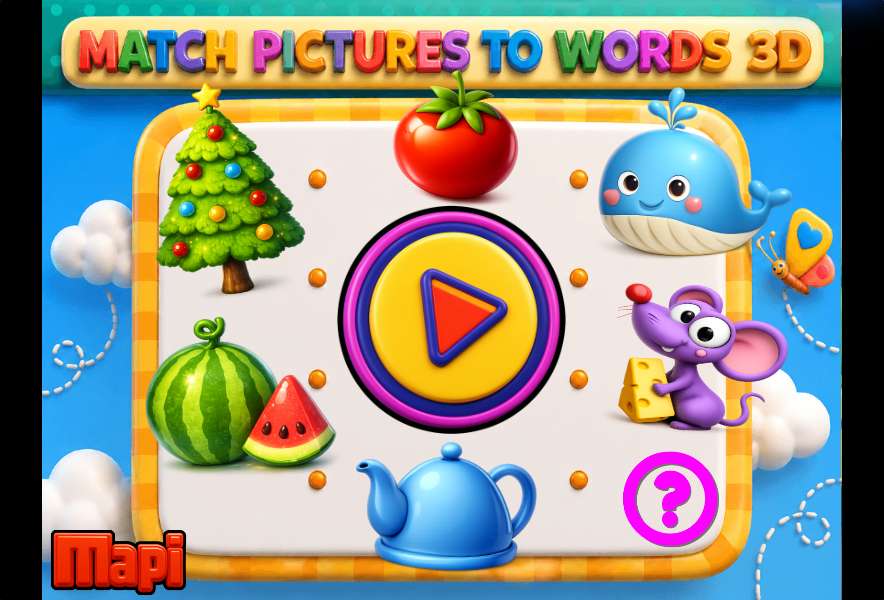
Match Picture To Words 3D is exactly what it sounds like. You get a set of 3D images on one side and a list of words on the other. Your job is to drag each picture to the correct word. Apple goes with “apple,” ant with “ant,” airplane with “airplane,” and so on. It’s straightforward, and that’s the point.
The game is clearly aimed at younger players—preschoolers and early elementary kids who are still building their basic vocabulary. The 3D visuals are colorful and friendly, and the controls are simple enough that even a child who hasn’t used a mouse much can figure it out after a couple of tries.
How It Actually Plays
Each round presents you with a small group of images and words. You tap or click on an image, then drag it over to the matching word. The game gives immediate feedback—if you’re right, the pair locks in with a little visual cue. If you’re wrong, the image bounces back, and you can try again.
There are multiple difficulty levels, which mostly means more words per round or slightly trickier categories. The early levels stick with very common nouns (cat, dog, ball). Later ones introduce less obvious items, which helps keep things interesting for kids who’ve already mastered the basics.
One thing I noticed: the drag-and-drop feels responsive, but not overly sensitive. That’s a good thing for little hands that might not have the steadiest mouse control. The game doesn’t punish small mistakes—it just waits for the right connection.
Why It Works Better Than a Flashcard App
There’s something about physically moving an image to its match that sticks better than just tapping a multiple-choice button. It feels more like a puzzle and less like a test. Kids aren’t just recognizing words—they’re associating them with a visual shape and a spatial action.
That said, the game does get repetitive after a while. The mechanics don’t change much across levels, and there’s no story or reward system beyond completing a set. For a 10-minute session, it’s fine. For longer play, you’ll want to mix it with something else.
Tips for New Players (and Parents)
- Start on the easiest difficulty. Even if your kid already knows the words, the first levels help them get used to the drag-and-drop motion without frustration.
- Say the words out loud. This isn’t a game tip, but if you’re playing with a child, verbal repetition helps lock in the vocabulary. The game doesn’t have audio, so you’re the narrator.
- Don’t rush. There’s no timer. Let kids explore and make mistakes. The bounce-back animation is gentle enough that it doesn’t feel like a failure.
- Move to higher levels when the current one feels too easy. The game doesn’t force you to finish every word—you can exit and change difficulty anytime.
Who Is This Actually For?
Honestly, this is a game for very young learners—ages 3 to 6, give or take. Older kids might find it too simple unless they’re just starting to learn English. For parents or teachers looking for a quick, no-fuss activity that builds word recognition, it’s a solid choice. It’s not going to replace a full literacy curriculum, but as a five-minute warm-up or a quiet-time activity, it hits the mark.
The 3D graphics are a nice touch, but they’re not going to blow anyone away. They’re clean and readable, which is more important here than artistic flair. If your kid likes puzzles and you want something that feels more like a game than a lesson, this is worth a try.