

















Game Introduction
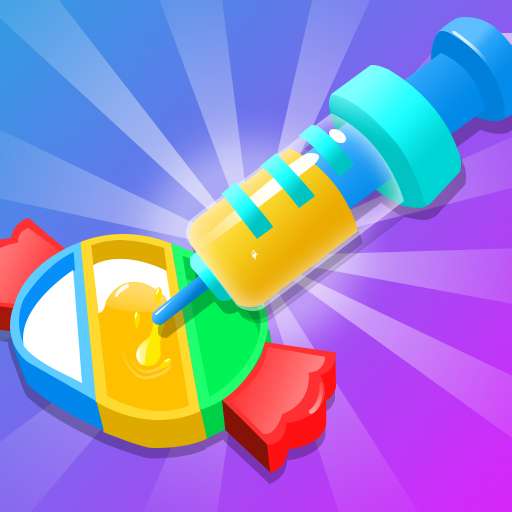
Step into a rainbow-filled adventure with Dye It Right: Color Picker—where creativity dances with joy! This charming casual puzzle game invites you on a vibrant journey brimming with delightful challenges, crafted to spark smiles in kids and the young at heart alike. Whether you’re mixing hues or nailing the perfect shade, every moment is a splash of fun that turns color play into an unforgettable quest.
Game Features
**Vibrant Color Experience**: Centered around rich and vivid colors, from soft pastels to bright neons, it creates a visual rainbow feast, making every dyeing operation full of visual pleasure.
- **Easy and Puzzle-filled Gameplay**: As a casual puzzle game, the gameplay is simple and easy to pick up. Both children and those with a childlike heart can quickly master the skills of color mixing and selection, enjoying the fun of passing levels in a relaxed atmosphere.
- **Unbounded Creative Exploration**: It breaks fixed thinking and encourages free color mixing - blending, overlaying, and trying different combinations, making the process of "finding the right color" a way to release creativity and experience the sense of achievement from "trying" to "perfect matching".
- **All-age Fun Challenges**: The level design combines childlike interest and ingenuity. There are basic color cognition tasks suitable for children, as well as advanced color matching problems that satisfy older groups, so that every age group can find their own exclusive fun.
Gameplay and Controls
Goal Orientation
Each level presents a target color sample. Players need to make the item to be dyed match the sample color exactly through color selection and mixing operations.
Core Operations
Tap the screen to select a basic color palette, slide to adjust color intensity or saturation, or mix different color blocks by overlaying them. After confirming the color, click the "Dye" button to apply the color to the target item. If it matches the sample, the level is cleared.
Advanced Gameplay
As levels progress, challenges such as gradient colors and multi-area dyeing will be unlocked. For example, the same item may need to be dyed different colors in separate areas, or complex hues need to be blended through multiple overlays, testing the ability to control color layers.
Operational Feedback
After each color adjustment, the interface will display color differences in real time to help with adjustments. When a match is achieved, a stunning color diffusion animation will be triggered, enhancing the sense of operational accomplishment.
Game Guide
Preparations
First, get familiar with the interface. Identify the positions of the basic color palette, adjustment sliders, and the "Dye" button. Carefully watch the initial tutorials, if any, to grasp the basic operational logic, which will make your in-game operations smoother.

Level Strategies
Basic Levels:
Precise Observation: The target color sample of each level is crucial. Closely observe the hue, saturation, and brightness of the sample. For example, if the target color is light blue, distinguish whether it is a white-tinged light blue or a green-tinged light blue, which determines the direction of color selection from the basic color palette.
Simple Color Adjustment: Basic levels usually only require selecting colors from the basic color palette or making simple adjustments to intensity and saturation. If the target color is bright, appropriately increase the saturation of the selected color; if it is dull, decrease the saturation. After adjusting the color, click "Dye" and check the matching degree between the dyed item and the sample. If the deviation is small, fine-tune the color parameters; if the deviation is large, rethink the characteristics of the sample color and select again.
Advanced Levels:
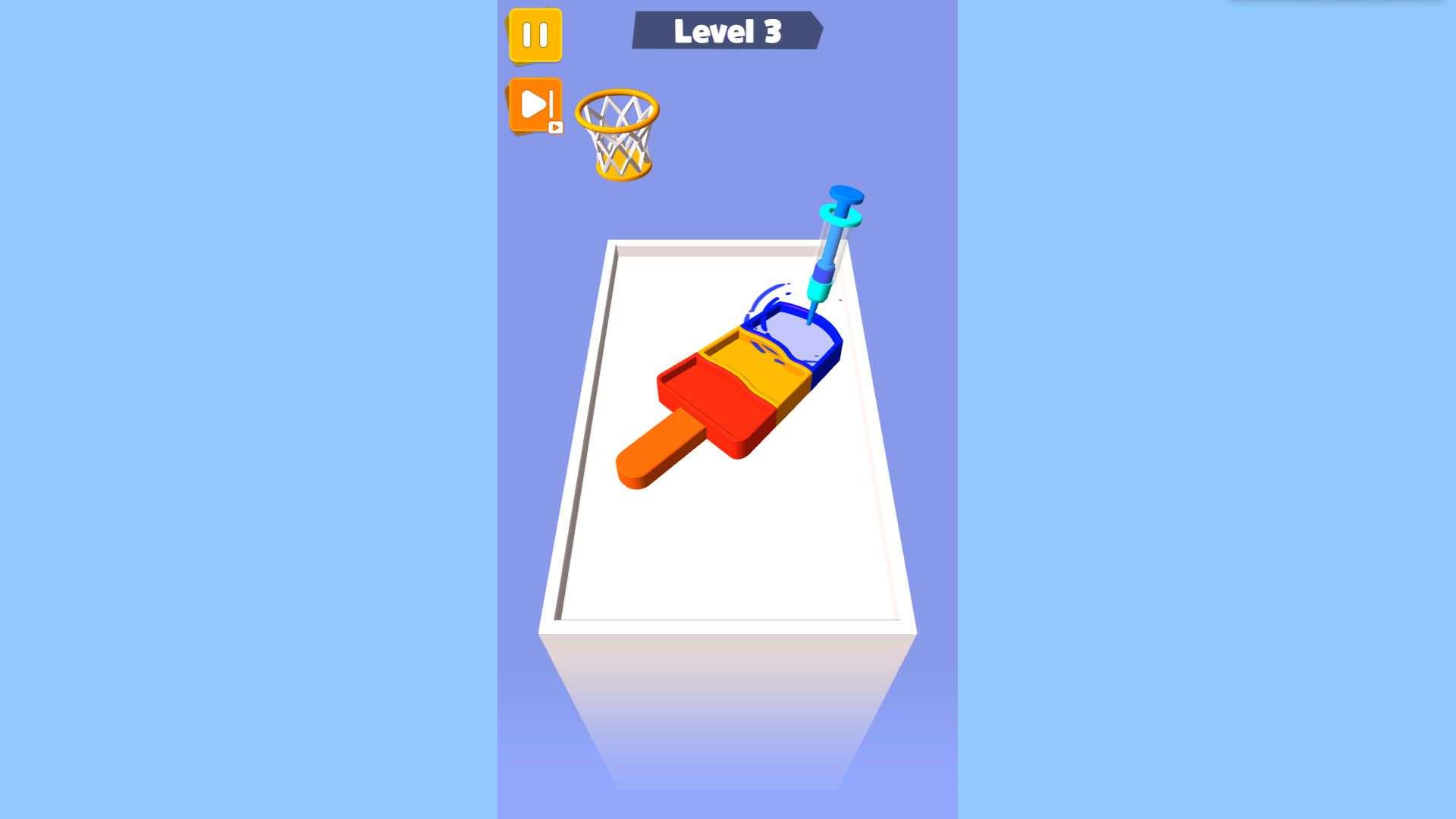
Color Mixing Skills: When encountering levels that require color mixing, first clarify the approximate composition of the desired color. To make purple, try mixing red and blue. Note that different proportions will produce purples of different shades and hues, so experiment more. You can conceive the mixing scheme in your mind first, then operate in the game to avoid blind attempts that waste time.
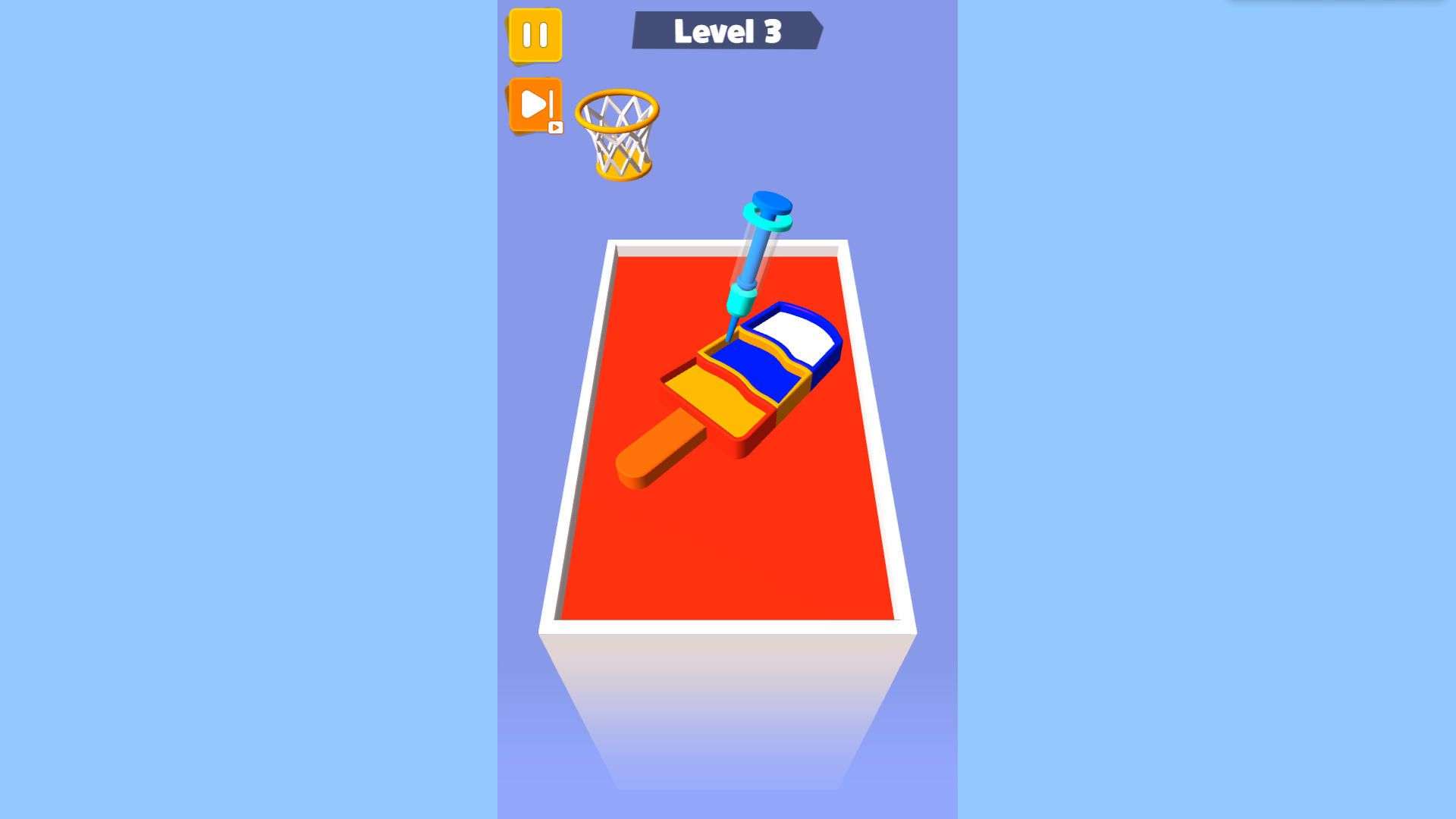
Gradient Colors and Multi-Area Dyeing: For gradient color levels, master the law of color transition. For example, to gradient from red to orange, gradually increase the proportion of yellow. During operation, first determine the start and end colors, then achieve a natural gradient by adjusting the intermediate transition colors in small amounts multiple times. Multi-area dyeing levels require you to color different areas separately. Plan the order of color selection for each area first to avoid confusion. When dyeing, accurately click on the corresponding area to prevent color from being applied to the wrong position.
General Tips
Make Good Use of Operational Feedback: The real-time color difference displayed on the game interface is an important reference. If it shows that the current color is more yellow than the target color, appropriately reduce the yellow component or add other colors to neutralize it. Use this feedback to continuously optimize your color mixing results.
Experiment and Summarize: During the game, try more different color combinations and adjustment methods. After each attempt, think about the difference between the result and the expectation and summarize the experience. For example, you find that a certain blue and green can produce a unique cyan when mixed in a specific proportion, which will help you quickly mix colors when encountering similar color requirements next time.
Take Proper Breaks: When encountering difficulties and failing to find the matching color for a long time, don't get stuck. Pause the game, take a break, and let your eyes and brain relax. When you come back, you may look at the problem from a new perspective and find a solution faster.
Unlock and Utilize New Content: As the game progresses, new color tools or functions will be unlocked. Timely understand and learn to use these new elements, which may facilitate solving complex levels. For example, the newly unlocked advanced color palette may contain more precise color options, helping you get closer to the target color more quickly.