
















What Is Rotating Bones 3D?
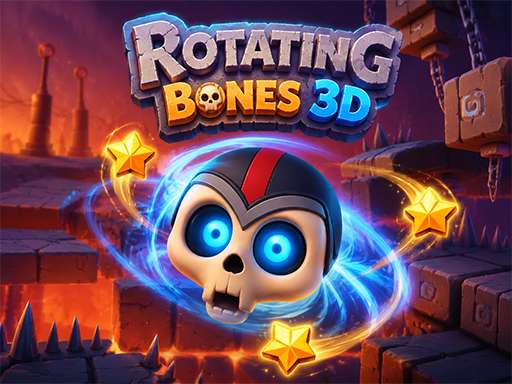
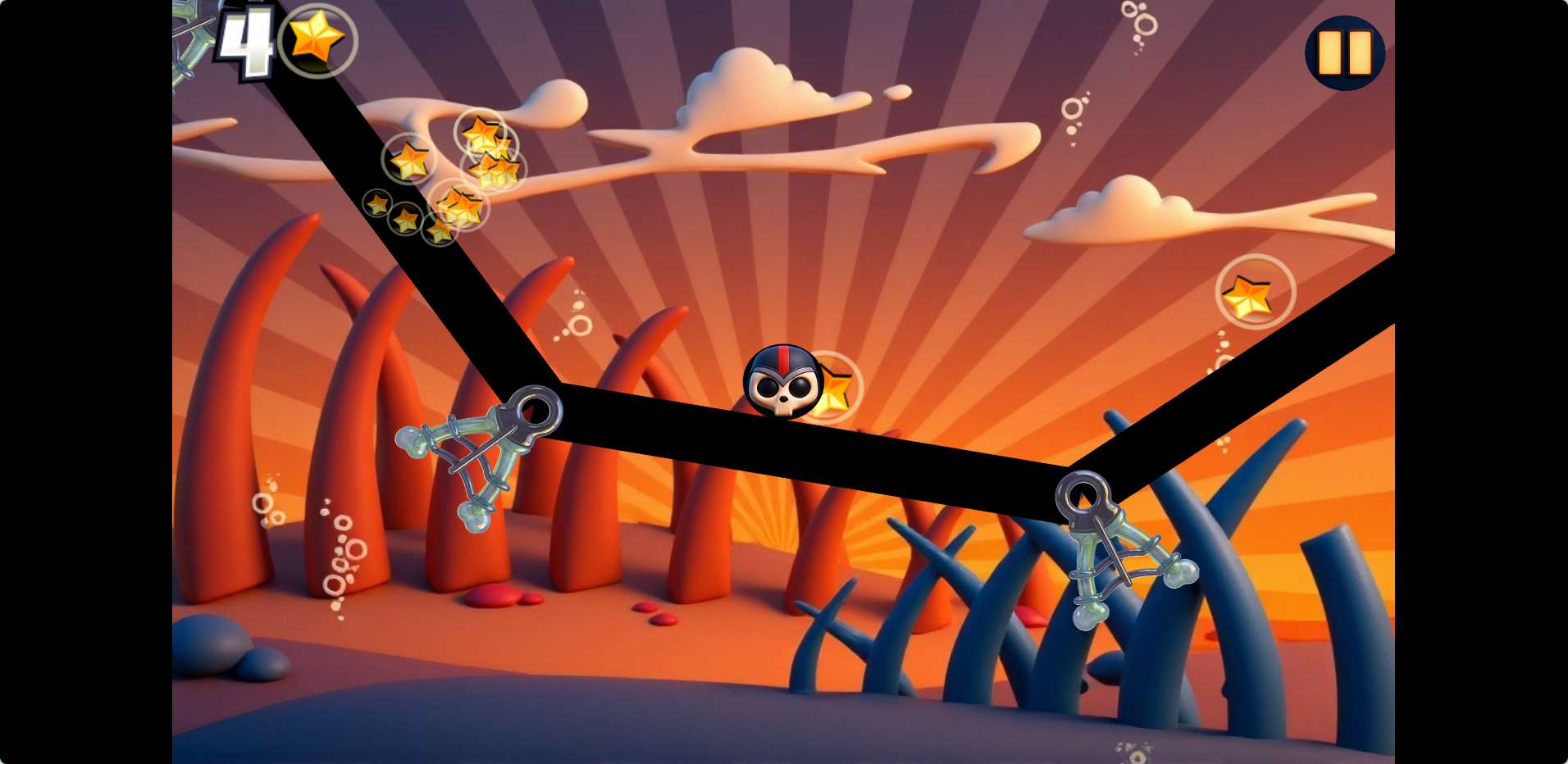
Rotating Bones 3D is a puzzle platformer with a twist—literally. You control Mr. Bones, a grinning skull that rolls through floating ruins. But there's no jump button. Instead, you rotate the entire world around him. Gravity shifts as you spin the environment, letting Mr. Bones roll along walls, ceilings, and hidden paths. It's part physics puzzle, part arcade challenge, and it doesn't waste your time with tutorials that hold your hand for too long.
How the Rotation Mechanic Works
Click or tap anywhere on the screen, then drag to rotate the level. The camera follows, and Mr. Bones rolls in the direction gravity now pulls him. You're not just turning the character; you're turning the whole space. This means a path that was a wall a second ago can become the floor. It sounds simple, but the game uses this to create puzzles where you have to think about momentum and timing.
A common mistake new players make is rotating too fast. If you spin the world while Mr. Bones is mid-roll, he can fly off edges or into spikes. Take it slow at first. Let him settle before you rotate again.
Collecting Stars Without Losing Your Head
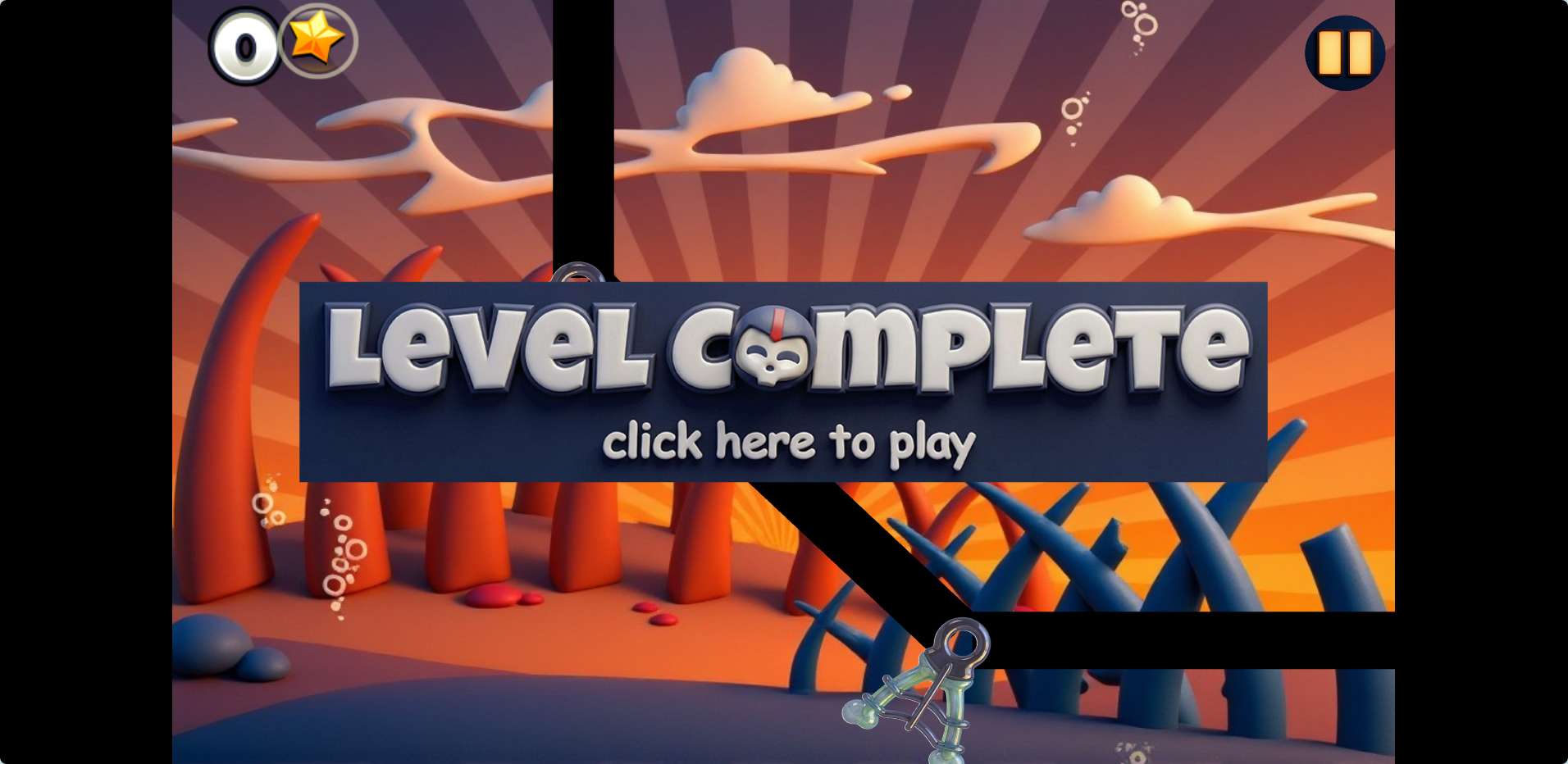
Each level has three golden stars to collect. They're not always in plain sight. Some are tucked behind pillars, others are floating in spots that require creative rotation sequences. You don't need all three to finish a level, but grabbing them unlocks later stages. If you're stuck on a star, try rotating the level 180 degrees and looking for alternate paths. Sometimes the star is on what you thought was the ceiling.
Spikes, Traps, and the Rage Factor
Spikes are everywhere. They blend into the ancient ruin aesthetic, so it's easy to roll right into one. The game resets you to the last checkpoint when you die, which is generous. Still, some levels have gauntlet-like sections where spikes line a narrow corridor. The trick here is to rotate in small increments—don't flip the world entirely. Move a few degrees at a time, let Mr. Bones roll a bit, then adjust again.
One thing that stands out is the checkpoint placement. It's usually fair, but there are moments where you'll wish a checkpoint were just a little closer to a tricky jump. That's the game's way of asking you to learn the exact angle of a rotation. It can feel a bit repetitive on longer levels, but it's never unfair.
Practical Tips for New Players
- Watch the shadows. The game's lighting helps show where surfaces are. If a shadow looks off, you might be about to roll into a gap.
- Use short taps, not long drags. Quick, small rotations give you more control than one big spin.
- Don't chase every star immediately. Finish the level once to learn the layout, then go back for stars. You'll save frustration.
- If Mr. Bones gets stuck between two surfaces, rotate the world 90 degrees to free him. It's rare, but it happens on uneven geometry.
Who Should Play This?
Rotating Bones 3D fits a specific mood. It's good for short sessions—maybe a few levels while waiting for something. The physics feel solid, and the visual style is clean without being distracting. But if you're looking for fast action or deep story, this isn't that. It's a slow-burn puzzle game that rewards patience. Players who enjoyed games like Edge or Monument Valley might find a similar satisfaction here, though this one is less about optical illusions and more about direct gravity control.
It doesn't reinvent the wheel, but it doesn't need to. The rotation mechanic is the whole show, and it works well enough to keep you rolling through the ruins.