














What Is Shape Switch, Exactly?
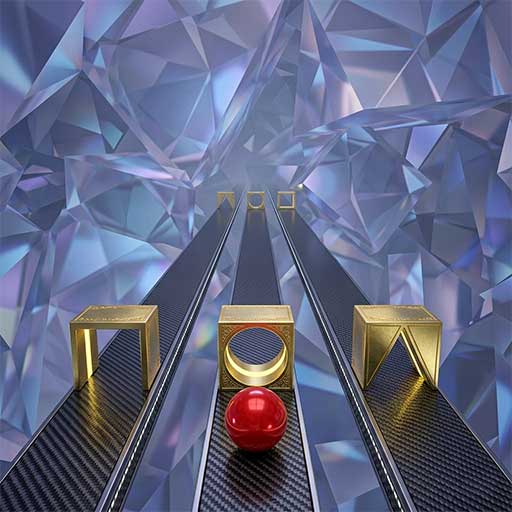
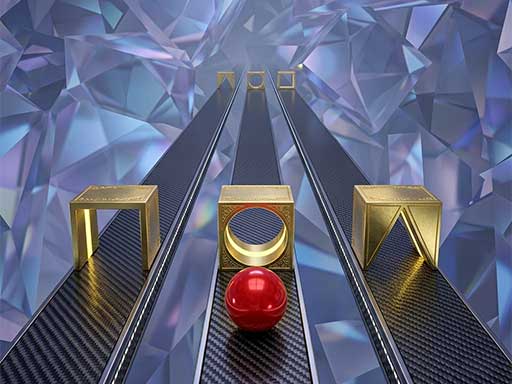
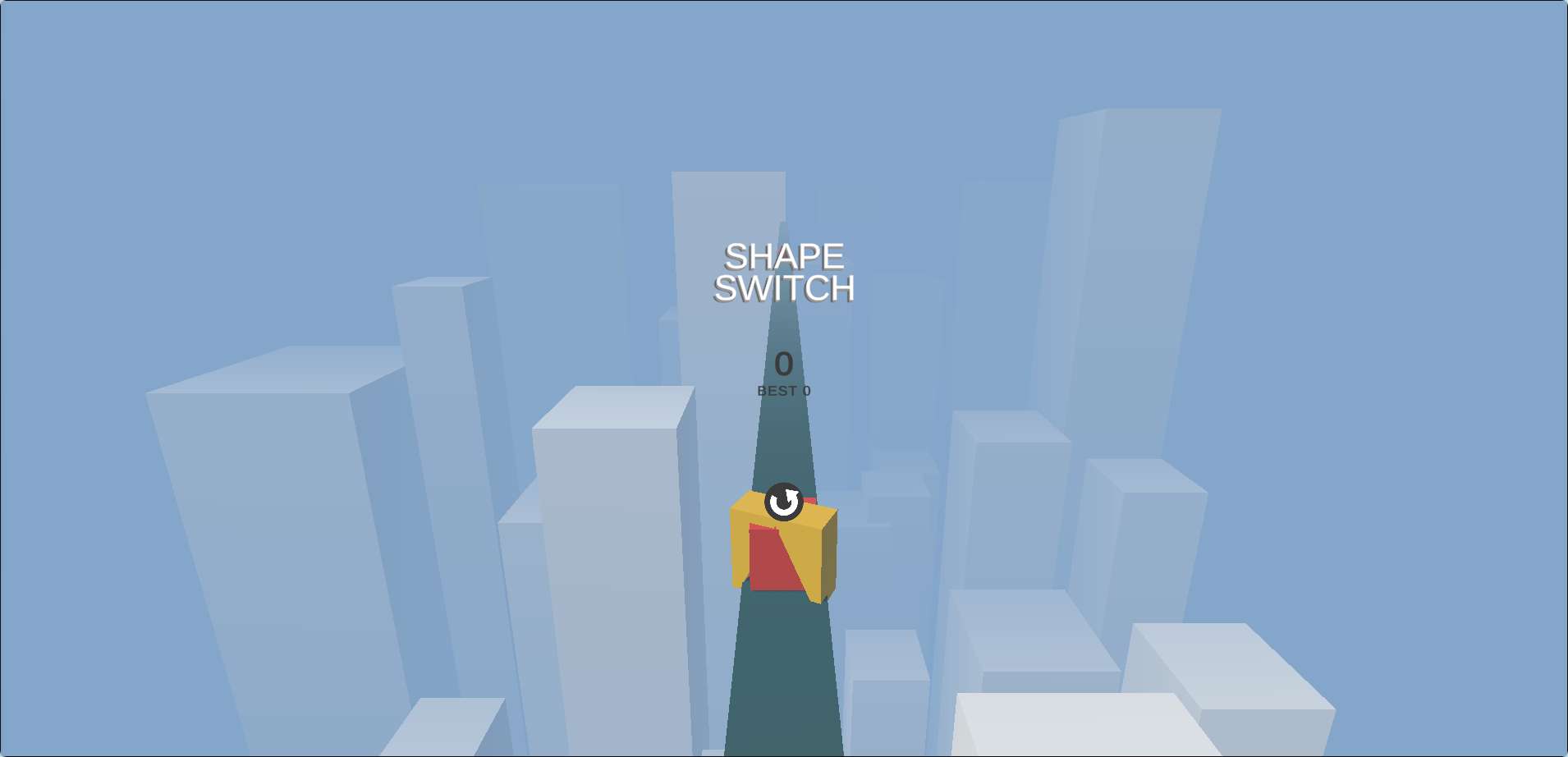
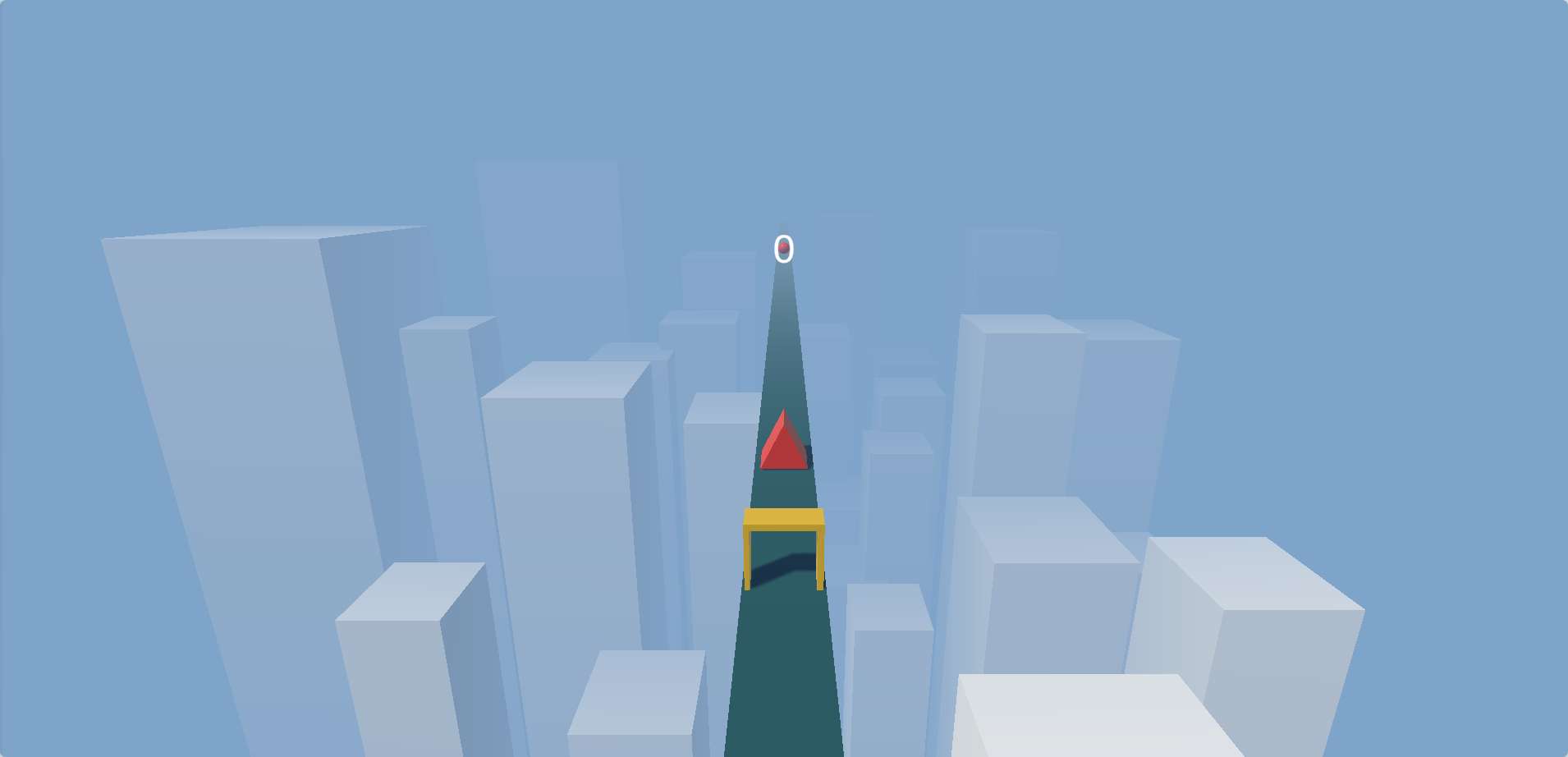
Shape Switch is a browser-based reflex game that strips things down to one simple action: tap or click to change your shape. You move forward automatically, and the camera stays fixed, so what you see is what you get. Gates appear ahead, each demanding a specific shape—Cube, Circle, or Triangle. Match the shape, and you pass clean through. Miss, and your run ends.
There’s no score multiplier, no power-ups, no second chances. Just you, three shapes, and an endless stream of obstacles that get faster and more erratic as you go.
How the Shape System Works
Your current shape is displayed on your character. Tapping or clicking cycles through Cube → Circle → Triangle → Cube. You can’t skip ahead or hold a shape indefinitely—you have to manually switch each time. This means you need to be deliberate with your taps.
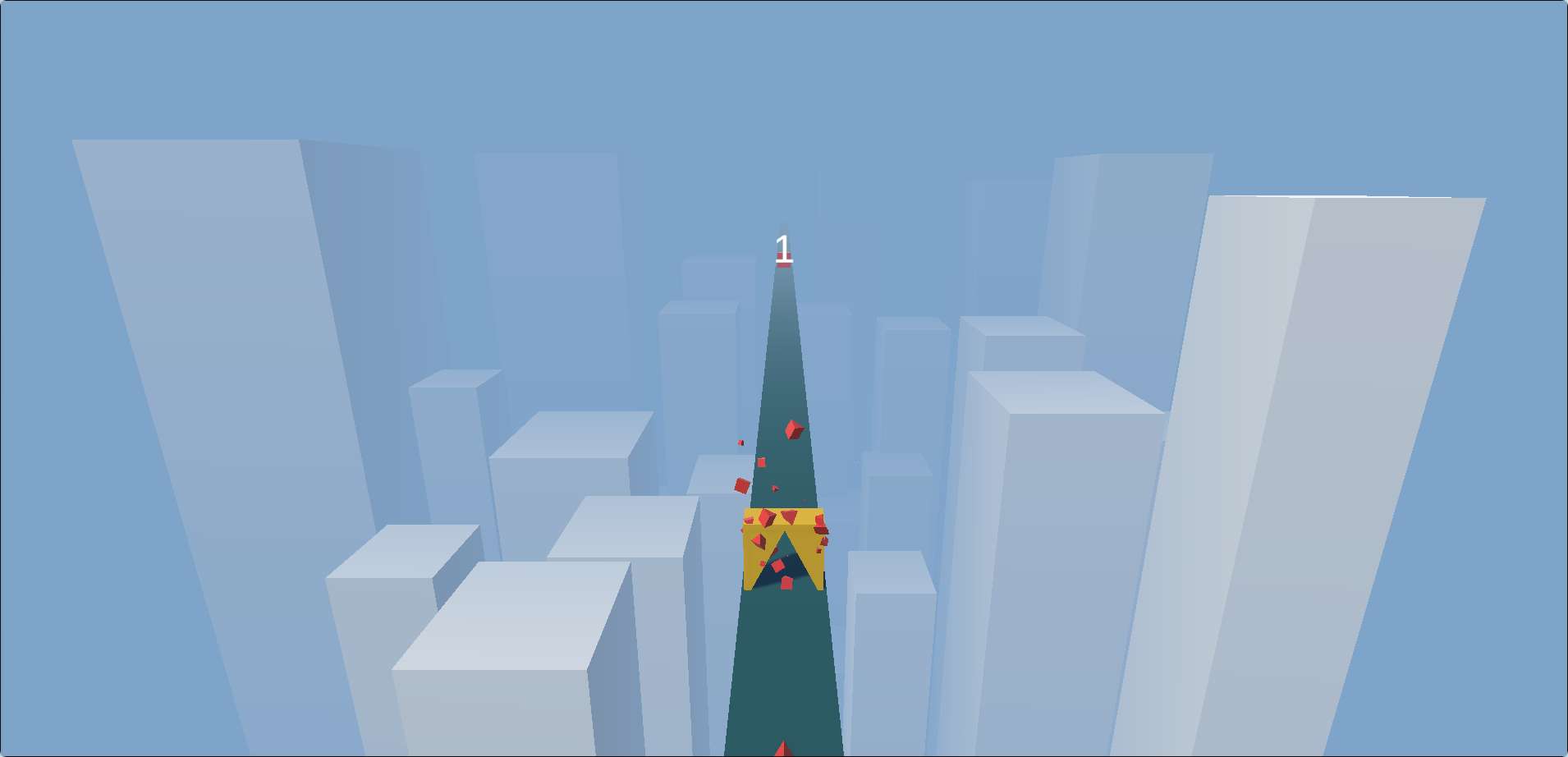
A common early mistake is tapping too many times in a row, overshooting the shape you need. If you see a Circle gate coming, one tap is usually enough. Two taps might land you on Triangle, and then you’re scrambling to correct. The game rewards calm, precise inputs over frantic mashing.
Reading the Road Ahead
Since the camera doesn’t move, you can see several gates coming at once. This is your biggest advantage. Don’t look at the gate you’re about to hit—look two or three gates ahead. That gives you a mental map of what shapes you’ll need and in what order.
For example, if you see Cube → Triangle → Circle, you can plan your taps in advance: start on Cube (or switch to it), then tap once for Triangle, then tap again for Circle. If you wait until you’re right on top of each gate, you’ll end up reacting late and likely mistap.
Three Tips That Actually Help New Players
1. Keep a default shape in mind. Many experienced players stick with Cube as their “resting” shape because it’s the first in the cycle. When you’re between gates, switch back to Cube. That way, if a Cube gate appears suddenly, you’re already ready. It reduces the mental load of remembering where you are in the cycle.
2. Don’t tap unless you mean it. The game registers every click or tap, so a nervous double-tap can ruin a good run. If you find yourself dying to the same shape twice in a row, you might be tapping too fast. Pause for a split second between inputs.
3. Watch the speed increase. The game gradually speeds up, but it does so in small jumps. You’ll feel it most around the 20–30 second mark. When you notice the gates coming faster, focus extra hard on looking ahead. That’s usually where runs end if you’re not ready.
The One Thing That Stands Out
What makes Shape Switch different from other endless runners is that it removes any sense of control over movement. You don’t steer, jump, or dodge. The only thing you control is which shape you are. That narrow focus turns the game into a pure reaction test—there’s nowhere to hide if you’re slow. It feels almost like a rhythm game, except the beat is random and the penalty for missing a note is immediate death.
It’s not a game you’ll play for hours, but it’s perfect for quick sessions when you want to sharpen your reflexes for a few minutes. The high score chase is real, and even small improvements feel satisfying because you know it came from faster thinking, not luck.
Who Should Play This?
If you like games like Geometry Dash or Bit.Trip Runner but want something simpler that works in any browser tab, Shape Switch is worth a try. It’s also good for players who enjoy minimalistic puzzle-reflex hybrids—games where the challenge is mostly mental timing. If you prefer exploration or story, this probably won’t hold your attention. But for a quick, sharp test of focus, it does exactly what it sets out to do.